
Staked Lido ETH (stETH) 錢包
透過質押 Lido ETH (stETH) 賺取收益。這是參與以太坊區塊鏈收入分配的一種簡單且安全的方式。立即下載適用於 iOS 或 Android 的 stETH 錢包,踏入令人興奮的 DeFi 金融世界。
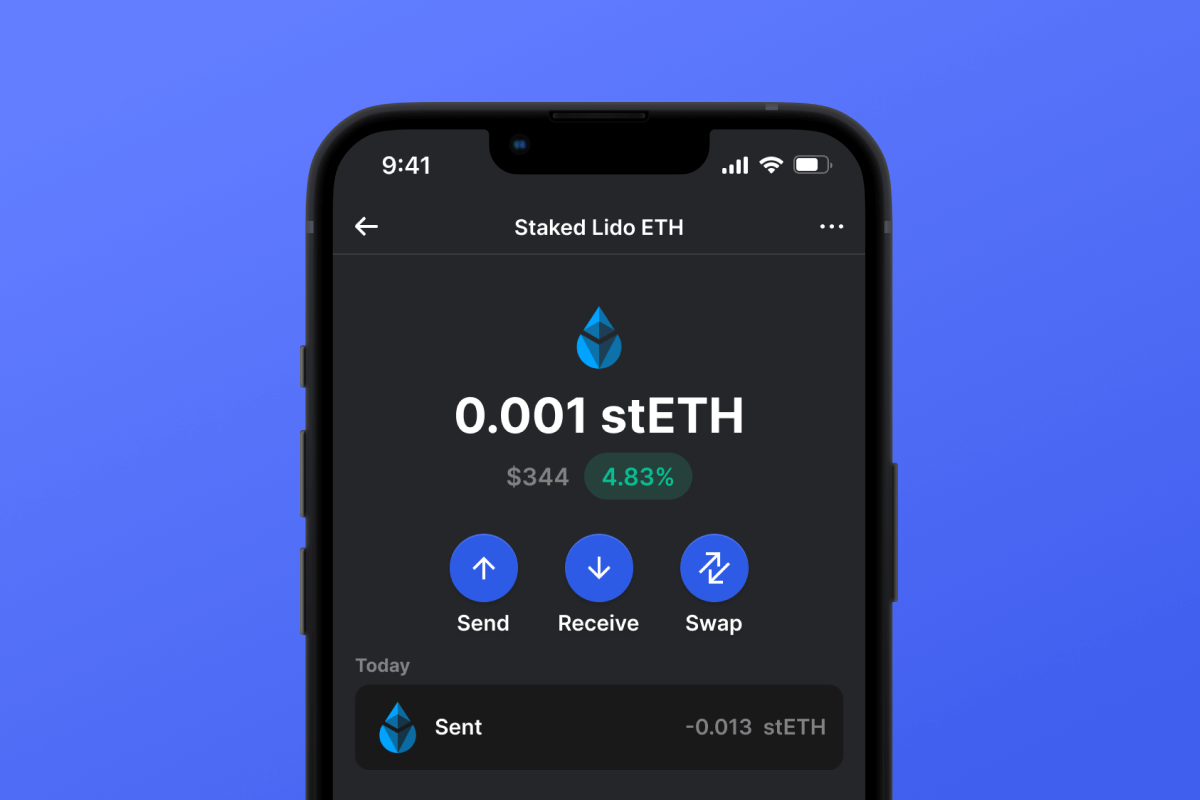
為什麼 Staked Lido ETH (stETH) Wallet Gem 是最佳選擇?
Gem Wallet 是一款領先的加密貨幣錢包解決方案,它將安全性、隱私性和易用性完美整合在一個強大的應用程式中。以下是用戶選擇 Gem Wallet 來滿足其加密貨幣需求的原因:

完全控制
您完全掌控自己的私鑰和助記詞。任何第三方都無法存取或限制您的 Staked Lido ETH (stETH)。您的 Staked Lido ETH (stETH) 完全屬於您。

隱私保護
不追踪,不收集個人信息,不收集資料。完全保護您的 Staked Lido ETH (stETH) 的隱私和控制權。


跨平台
適用於 iOS、Android 和 APK。您的 Staked Lido ETH (stETH) 錢包隨時隨地可用。

Staked Lido ETH (stETH) 多語言錢包
支援包括英語、西班牙語、中文、俄語和阿拉伯語在內的25種以上語言。完全本地化,全球通用。

內建 Staked Lido ETH (stETH) 服務
使用 30 多種付款方式購買 Staked Lido ETH (stETH)。 交換 stETH 透過整合的去中心化交易所聚合器,在一個安全的地方管理所有加密資產。
比較:Gem錢包 vs 交易所錢包
了解將 Staked Lido ETH (stETH) 儲存在 Gem Wallet 中與將其儲存在交易所中有何不同。
| 特徵 | Gem Wallet | 交易所錢包(幣安、Coinbase) |
|---|---|---|
| 需註冊 | ✅ 無 | ❌ 完整 KYC 流程 |
| 個人資料收集 | ✅ 無 | ❌ 要求詳盡(身分證明文件、地址、自拍照) |
| 開源 | ✅ 完全透明 | ❌ 閉源 |
| 私鑰控制 | ✅ 是的 | ❌ 否 |
| 帳戶凍結 | ✅ 不可能 | ❌ 可能 |
| 設定時間 | ✅ 2分鐘 | ⚠️ 1-7天(KYC驗證) |
專業安全功能
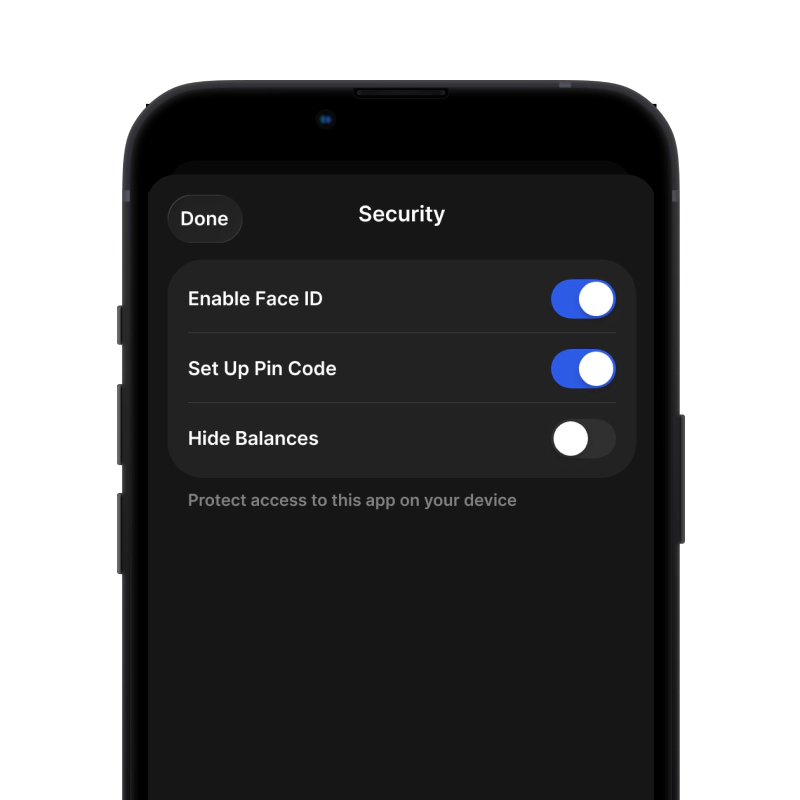
- 生物特徵認證使用面容 ID、觸控 ID 或指紋來保護您的錢包
- PIN碼保護設定強密碼作為額外的安全保障。
- 加密備份您的助記詞已安全存儲,絕不會離開您的設備。
- 定期安全審計獨立的安全審查確保錢包的完整性。 了解更多安全資訊 →
用戶對 Gem Staked Lido ETH (stETH) 錢包的評價


"Great 👍🏻 I've been using this wallet for Bitcoin and USDT it's easy to use, and the design's actually..."

"Excellent crypto wallet! The app is very easy to use, even for beginners. Transactions are fast and secure, and I really like the clean interface. Setting up the wallet was simple, and I feel confident about the security features."
"Very fast customer support response , it was much appreciated"
"Very fast and easy app to use fast transfers"
"fantastic wallet simple, easy to use, friendly, interface secure with many more great features. I think, this is perfect for nowadays needs and fast crypto transactions."
"Perfect for beginners. Set it up in under 2 minutes and bought my first Bitcoin through the wallet. Super easy!"
"Gem Wallet offers a clean interface and solid security for managing crypto assets. Transactions are smooth, and the wallet feels reliable for everyday use."
"I wanted something easy to use, fast wallet with multiple old and new chains. Finally found all of this in Gem."
"best app"
"I love how I can cross chain swap btc and eth in base it was fastest swap ever."
"A well-designed crypto wallet that balances security and usability. Managing assets feels simple, even for someone new to crypto."
"It's a very cool and fast wallet application which has simple interface...friendly users which make it easy to use."
"Very reliable and easy to use, great experience, will definitely use in the future."
"I use this wallet, very pleasant experience, will be my main wallet now!!!)))))"
"I'm using gem wallet for some time now and it has been pretty reliable. It support basically every coin you can think of."
"Good wallet for crypto exchange"
"Simple and powerful wallet with beautiful native iOS design. I downloaded Gem because I wanted an open source self custodial wallet with support for staking. I'm coming from Unstoppable Wallet which doesn't support staking, so it fills the gap nicely"
"Gem Wallet makes crypto simple with fast in-app swaps, wide coin support, and reliable security designed for safe everyday use."
"After trying the wallet, I really liked it. It is safe, easy to use, and has many of the currencies I need. Thank you. I recommend it."
"Switched from Coinbase and never looked back. I actually own my crypto now. The seed phrase backup is straightforward and secure."
如何在2分鐘內設定一個Staked Lido ETH (stETH)錢包
快速設定指南(3 個步驟)
創建 Staked Lido ETH (stETH) 錢包比開銀行帳戶還簡單。 Gem Wallet 會在幾分鐘內引導您完成整個過程,即使是完全的新手也能輕鬆上手。
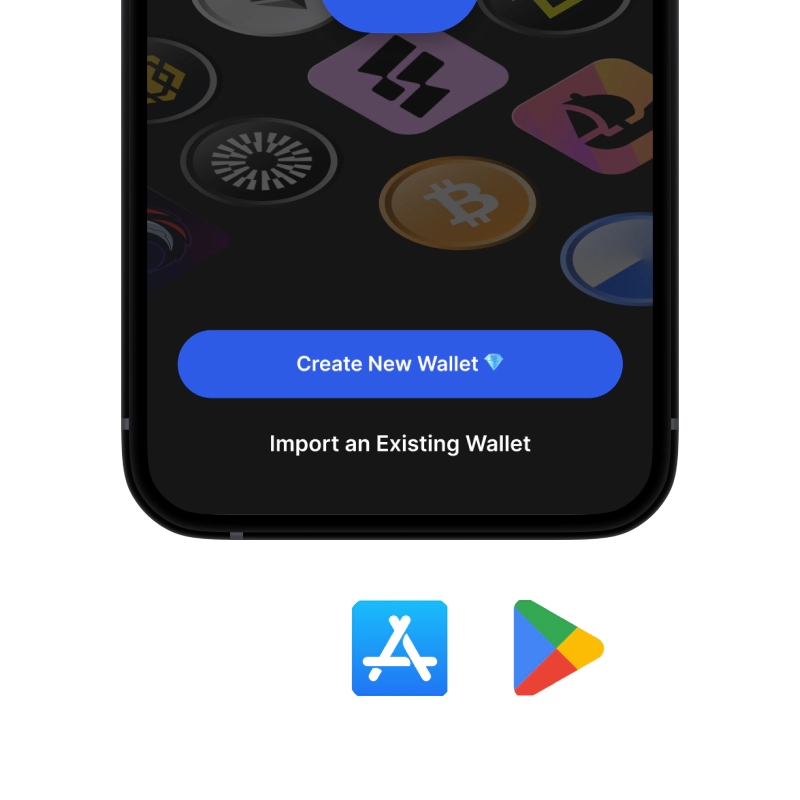

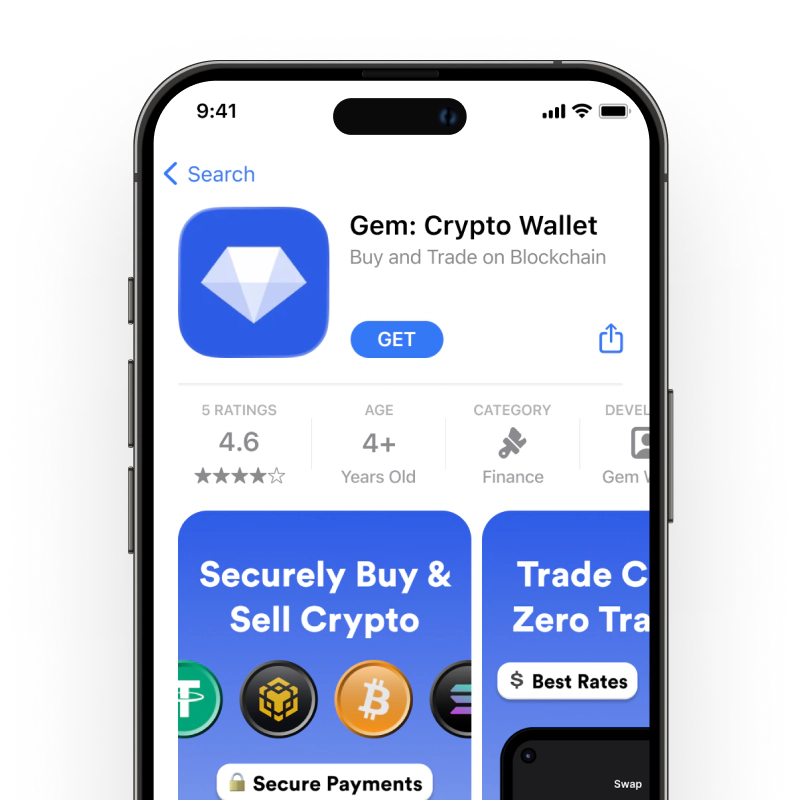
為 iOS 建立 Staked Lido ETH (stETH) 錢包
在 iPhone 上取得您的 stETH 錢包(2 分鐘):
- 開啟應用程式商店,搜尋「Gem Wallet」。
- 下載並安裝應用程式(免費且小於50MB)
- 打開 Gem Wallet 並點擊“建立新錢包”
- 把你的密語寫在紙上——這是你的主備份。
- 啟用面容 ID 或設定 PIN 碼,以便快速安全地訪問
- 完畢!

為 Android 建立 Staked Lido ETH (stETH) 錢包
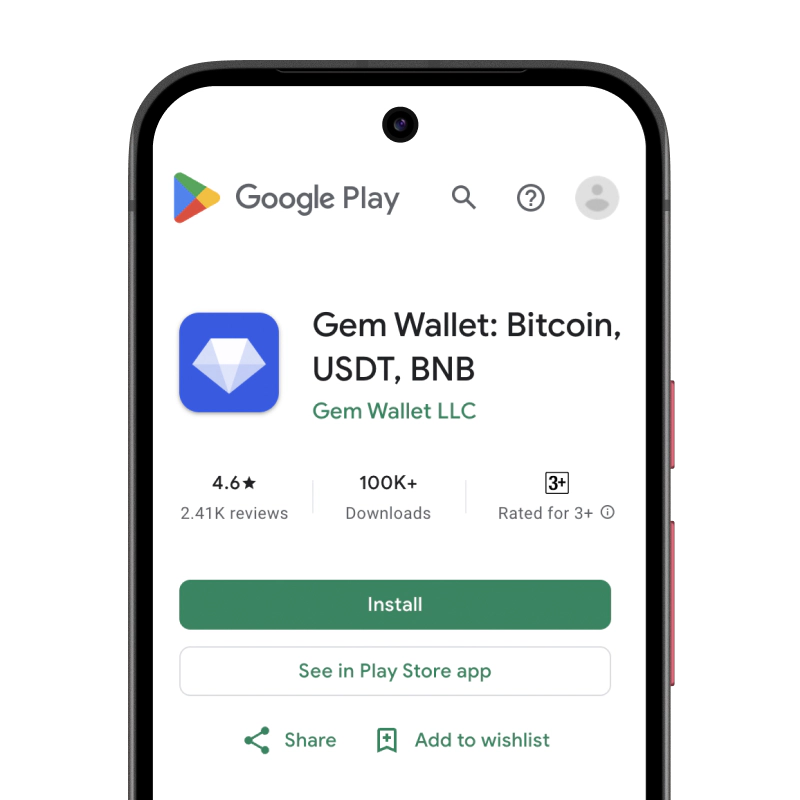
在安卓裝置上取得您的 stETH 錢包(2 分鐘):
- 透過 Google Play在 Play 商店中搜尋「Gem Wallet」並安裝
- APK下載 APK 檔案以獲得最大程度的隱私和控制權
- 打開應用程式並選擇“建立新錢包”
- 把你的12個字的秘密短語寫在紙上。
- 設定指紋或PIN碼身份驗證
- 完畢!


如何取得 Staked Lido ETH (stETH) 位址
要取得 Staked Lido ETH (stETH) 錢包位址,您首先需要建立或匯入一個 Staked Lido ETH (stETH) 錢包。之後,應用程式將自動為您產生地址。
1 打開 Gem 錢包
在手機上啟動應用程序,然後從資產清單中選擇 Staked Lido ETH (stETH) (stETH)。
2 點擊“接收”按鈕
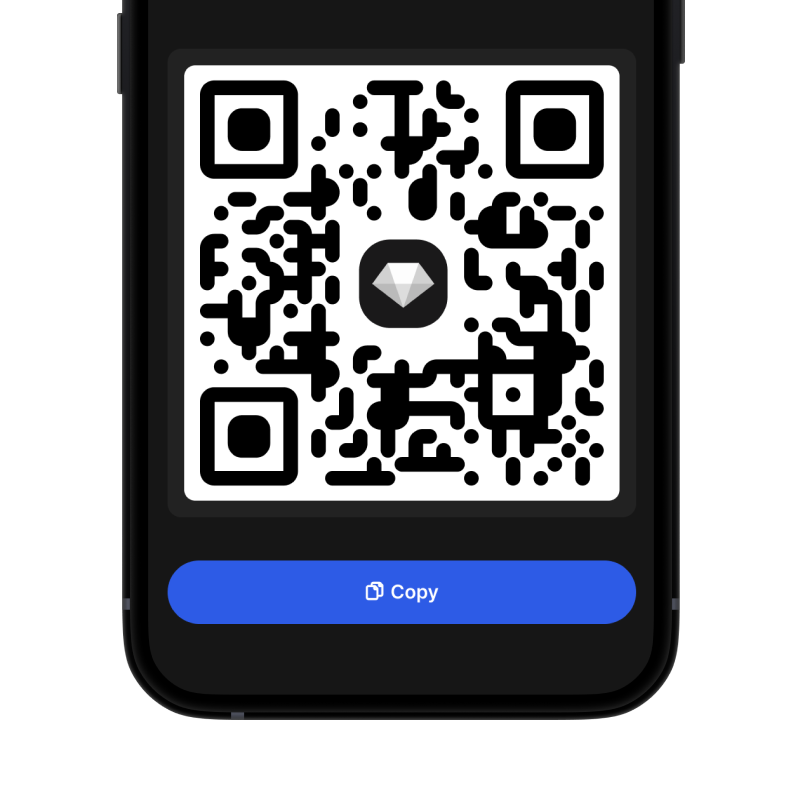
螢幕底部會顯示一個大按鈕。您的 Staked Lido ETH (stETH) 錢包位址將以文字和二維碼兩種形式顯示。
3 複製您的地址
複製位址到剪貼板,分享二維碼,或直接透過即時通訊應用程式發送。
🔄 無限地址
在 Gem Wallet 中,您可以免費產生無限量的 Staked Lido ETH (stETH) 位址。每個地址都源自於您的助記詞,並永久由您掌控。
📱 使用二維碼
- ✅ 沒有拼字錯誤 掃描可以防止複製貼上錯誤
- ✅ 更快的交易 只需展示你的手機螢幕
- ✅ 非常適合面對面交流 Staked Lido ETH (stETH) 支付
stETH 質押計算器
以下是使用 Gem 錢包獲得被動收入的平均年化收益率(APY)。 TIA 13.08% APR
 SEI 12% APR
 ATOM 11.2% APR
 APT 10% APR
 INJ 9.39% APR
 SOL 6.7% APR
 OSMO 5.68% APR
 SUI 5.30% APR
 TRON 4% APR
 ETH 3.10% APR
 HYPE 2.11% APR
 BNB 1.82% APR
 TON Coming Soon
 RON Coming Soon
 FTM Coming Soon
 MATIC Coming Soon
預計收益:
每月:
每年









