

Gnosis (GNO) Coin

Gnosis (GNO) 錢包

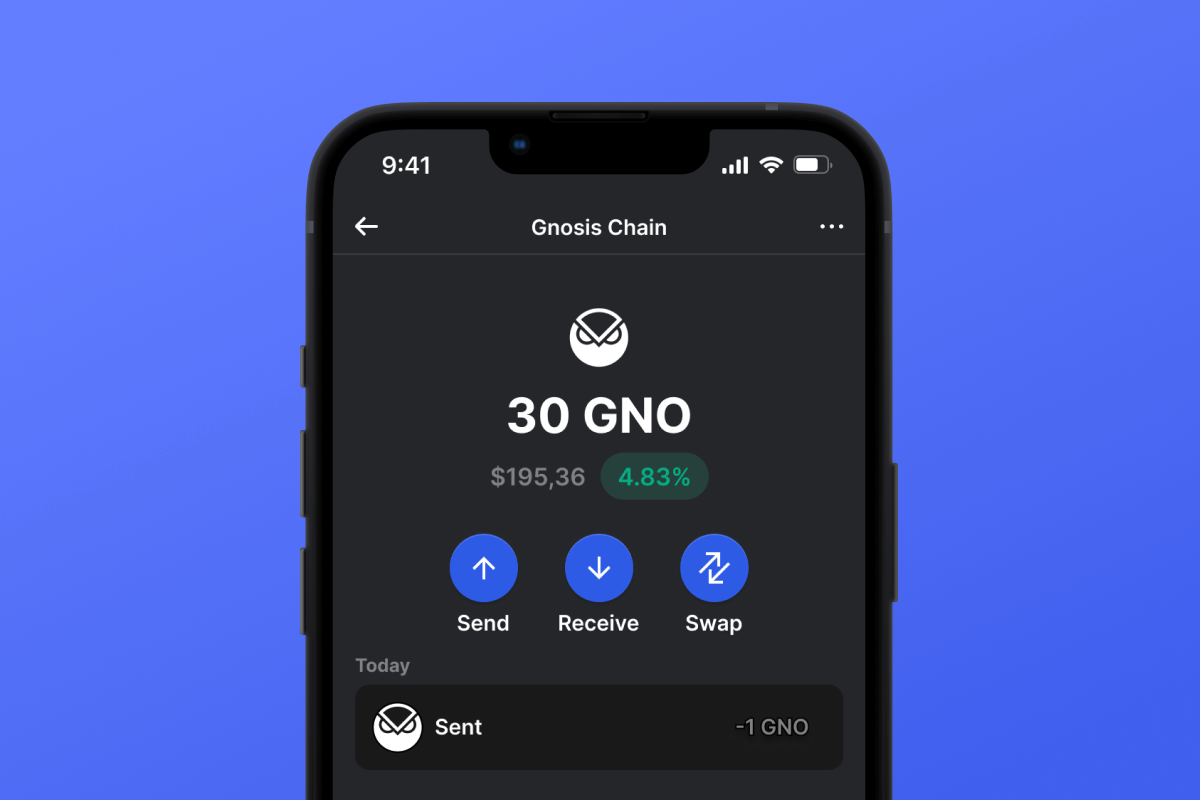
Unlock the potential of the Gnosis Wallet with Gem Wallet, the leading self-custodial, open-source mobile wallet. Experience seamless, secure transactions on the Gnosis Chain. Download now for a smarter crypto journey!

Gnosis (GNO) 錢包

What Is Gnosis Chain?

Gnosis Chain is a leading Ethereum sidechain, offering a strong and scalable platform for decentralized apps (DApps) and transactions that use xDai. It’s an ideal mix of stable performance and new features, catering well to the needs of your Gnosis Wallet.

What Makes Gnosis Chain Unique?

Gnosis Chain excels with its unique proof-of-stake consensus and is secured by over 140k validators, ensuring secure, efficient transactions at lower costs. As a hub for innovative decentralized applications (DApps), it enhances your GNO Wallet experience with dynamic and cost-effective features.

What Is the Difference Between xDai Token and GNO Token?

  • GNO is the cornerstone token of the Gnosis ecosystem. It plays a crucial role in staking on the Gnosis Beacon Chain and functions as the essential governance token for the GnosisDAO.
  • In the Gnosis landscape, xDai tokens are fundamental as native tokens. They are primarily used for the execution of smart contracts and to facilitate the payment of gas fees.

GNO Wallet Benefits

  • Self-Custodial Security: Experience full control of your assets with our open-source, self-custodial Gnosis Wallet. Your security and privacy are paramount.
  • User-Friendly Interface: Managing your Gnosis assets is straightforward with our intuitive wallet design.
  • Multi-Chain Accessibility: Engage in seamless transactions across various blockchains, expanding your crypto capabilities.
  • Instant Notifications: Stay updated with real-time transaction alerts and balance changes.
  • Community-Driven Development: Our wallet evolves based on user feedback, ensuring your needs are consistently met.
  • Continuous Updates: Benefit from regular updates and new features, keeping your wallet experience cutting-edge and efficient.

This wallet is not just a tool for managing digital assets; it’s a secure, efficient, and user-focused platform, ideal for handling your Gnosis Chain transactions.

為什麼 Gnosis (GNO) Wallet Gem 是最佳選擇?

Gem Wallet 是一款領先的加密貨幣錢包解決方案,它將安全性、隱私性和易用性完美整合在一個強大的應用程式中。以下是用戶選擇 Gem Wallet 來滿足其加密貨幣需求的原因:

完全控制

您完全掌控自己的私鑰和助記詞。任何第三方都無法存取或限制您的 Gnosis (GNO)。您的 Gnosis (GNO) 完全屬於您。

隱私保護

不追踪,不收集個人信息,不收集資料。完全保護您的 Gnosis (GNO) 的隱私和控制權。

開源

公開可用的程式碼 GitHub允許任何人驗證安全性和功能性。

跨平台

適用於 iOS、Android 和 APK。您的 Gnosis (GNO) 錢包隨時隨地可用。

Gnosis (GNO) 多語言錢包

支援包括英語、西班牙語、中文、俄語和阿拉伯語在內的25種以上語言。完全本地化,全球通用。

內建 Gnosis (GNO) 服務

使用 30 多種付款方式購買 Gnosis (GNO)。 交換 GNO 透過整合的去中心化交易所聚合器,在一個安全的地方管理所有加密資產。

比較:Gem錢包 vs 交易所錢包

了解將 Gnosis (GNO) 儲存在 Gem Wallet 中與將其儲存在交易所中有何不同。

特徵Gem Wallet交易所錢包(幣安、Coinbase)
需註冊✅ 無❌ 完整 KYC 流程
個人資料收集✅ 無❌ 要求詳盡(身分證明文件、地址、自拍照)
開源✅ 完全透明❌ 閉源
私鑰控制✅ 是的❌ 否
帳戶凍結✅ 不可能❌ 可能
設定時間✅ 2分鐘⚠️ 1-7天(KYC驗證)

專業安全功能

  1. 生物特徵認證使用面容 ID、觸控 ID 或指紋來保護您的錢包
  2. PIN碼保護設定強密碼作為額外的安全保障。
  3. 加密備份您的助記詞已安全存儲,絕不會離開您的設備。
  4. 定期安全審計獨立的安全審查確保錢包的完整性。 了解更多安全資訊 →
Gem Wallet private key security and self-custody crypto wallet features

用戶對 Gem Gnosis (GNO) 錢包的評價

如何在2分鐘內設定一個Gnosis (GNO)錢包

快速設定指南(3 個步驟)

創建 Gnosis (GNO) 錢包比開銀行帳戶還簡單。 Gem Wallet 會在幾分鐘內引導您完成整個過程,即使是完全的新手也能輕鬆上手。

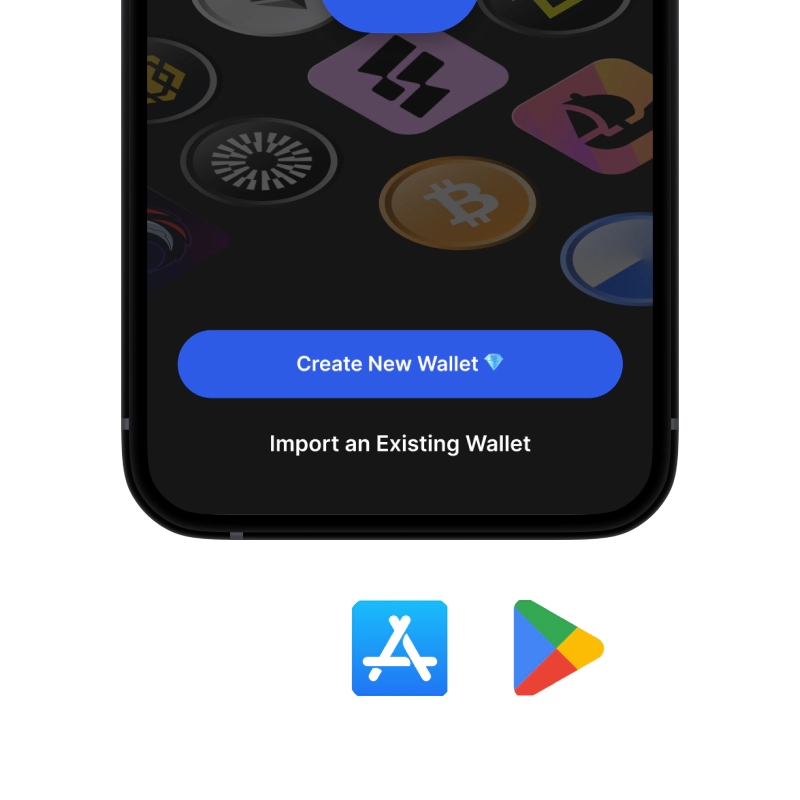
onboarding view

1. 獲取 Gnosis (GNO) 錢包

Gnosis (GNO) 錢包: iOS & APK

recovery phrase screen

2. 創建 Gnosis (GNO) 錢包

建立新錢包,保存密碼,並取得你的地址 Gnosis (GNO).

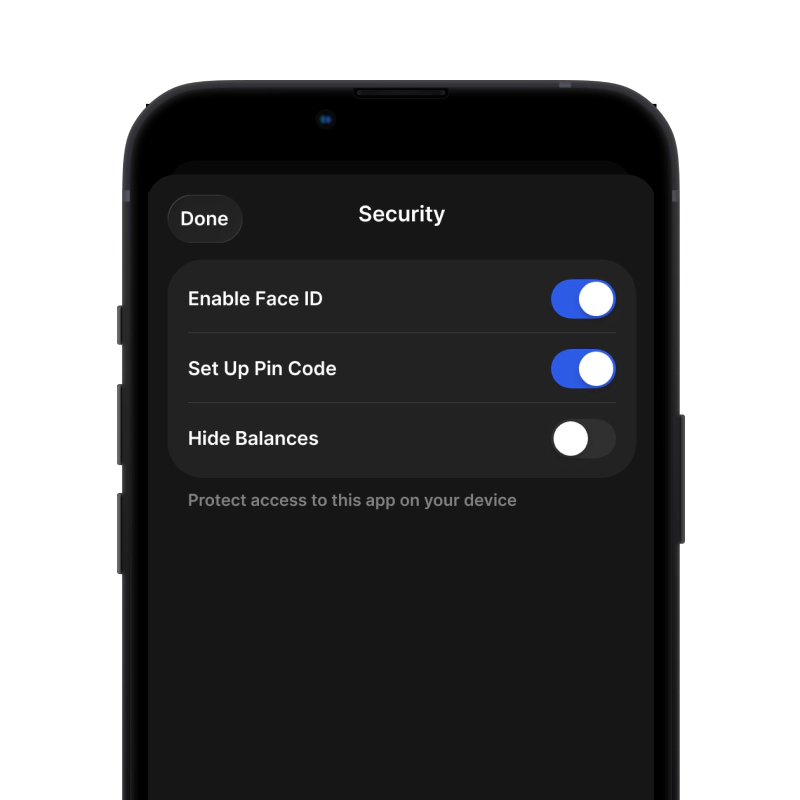
gem wallet security settings

3. Set Up Security for GNO

Enable PIN or biometric authentication and you're ready to go

為 iOS 建立 Gnosis (GNO) 錢包

在 iPhone 上取得您的 GNO 錢包(2 分鐘):

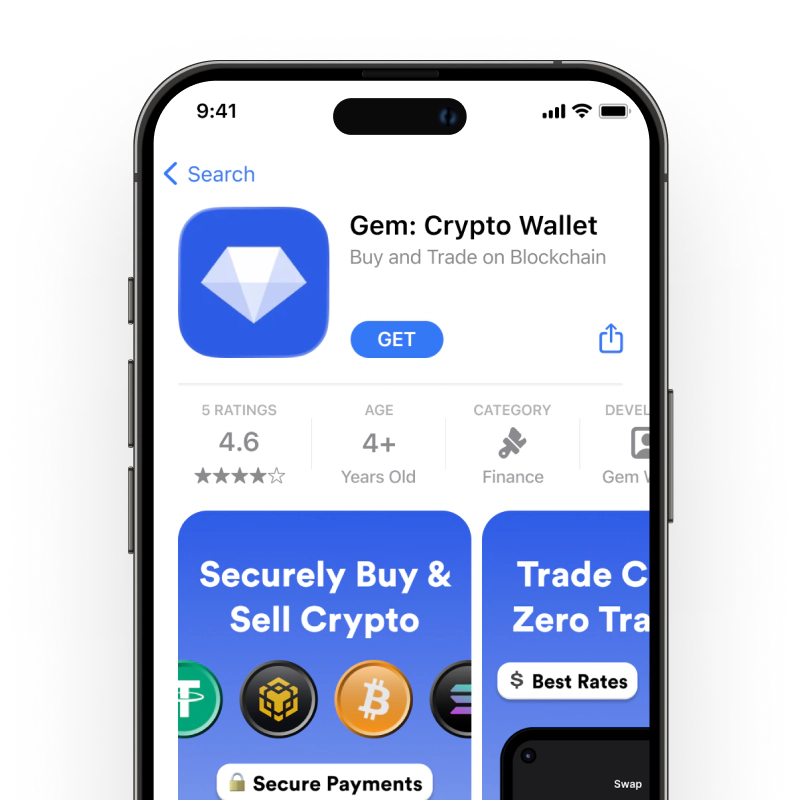
  1. 開啟應用程式商店,搜尋「Gem Wallet」。
  2. 下載並安裝應用程式(免費且小於50MB)
  3. 打開 Gem Wallet 並點擊“建立新錢包”
  4. 把你的密語寫在紙上——這是你的主備份。
  5. 啟用面容 ID 或設定 PIN 碼,以便快速安全地訪問
  6. 完畢!
下載 iOS 版Gem 錢包
適用於 iOS 的 Gnosis (GNO) 錢包

為 Android 建立 Gnosis (GNO) 錢包

在安卓裝置上取得您的 GNO 錢包(2 分鐘):

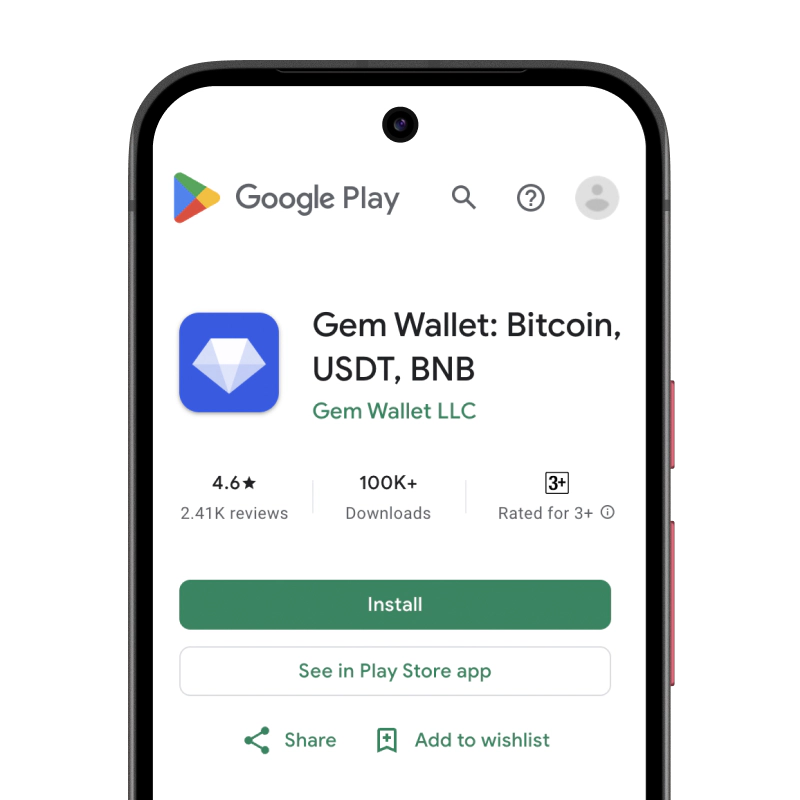
  1. 透過 Google Play在 Play 商店中搜尋「Gem Wallet」並安裝
  2. APK下載 APK 檔案以獲得最大程度的隱私和控制權
  3. 打開應用程式並選擇“建立新錢包”
  4. 把你的12個字的秘密短語寫在紙上。
  5. 設定指紋或PIN碼身份驗證
  6. 完畢!
適用於安卓系統的 Gnosis (GNO) 錢包

如何取得 Gnosis (GNO) 位址

要取得 Gnosis (GNO) 錢包位址,您首先需要建立或匯入一個 Gnosis (GNO) 錢包。之後,應用程式將自動為您產生地址。

1 打開 Gem 錢包

在手機上啟動應用程序,然後從資產清單中選擇 Gnosis (GNO) (GNO)。

2 點擊“接收”按鈕

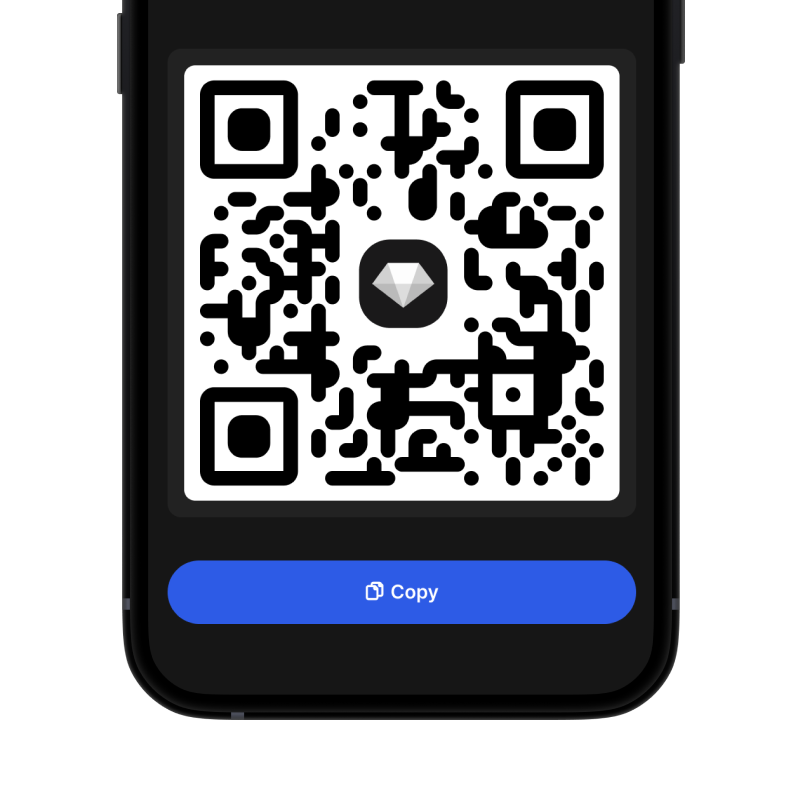
螢幕底部會顯示一個大按鈕。您的 Gnosis (GNO) 錢包位址將以文字和二維碼兩種形式顯示。

3 複製您的地址

複製位址到剪貼板,分享二維碼,或直接透過即時通訊應用程式發送。

Get Gnosis (GNO) wallet address in Gem Wallet
🔄 無限地址

在 Gem Wallet 中,您可以免費產生無限量的 Gnosis (GNO) 位址。每個地址都源自於您的助記詞,並永久由您掌控。

📱 使用二維碼
  • 沒有拼字錯誤 掃描可以防止複製貼上錯誤
  • 更快的交易 只需展示你的手機螢幕
  • 非常適合面對面交流 Gnosis (GNO) 支付