

BOME Coin

BOME ਬਟੂਆ

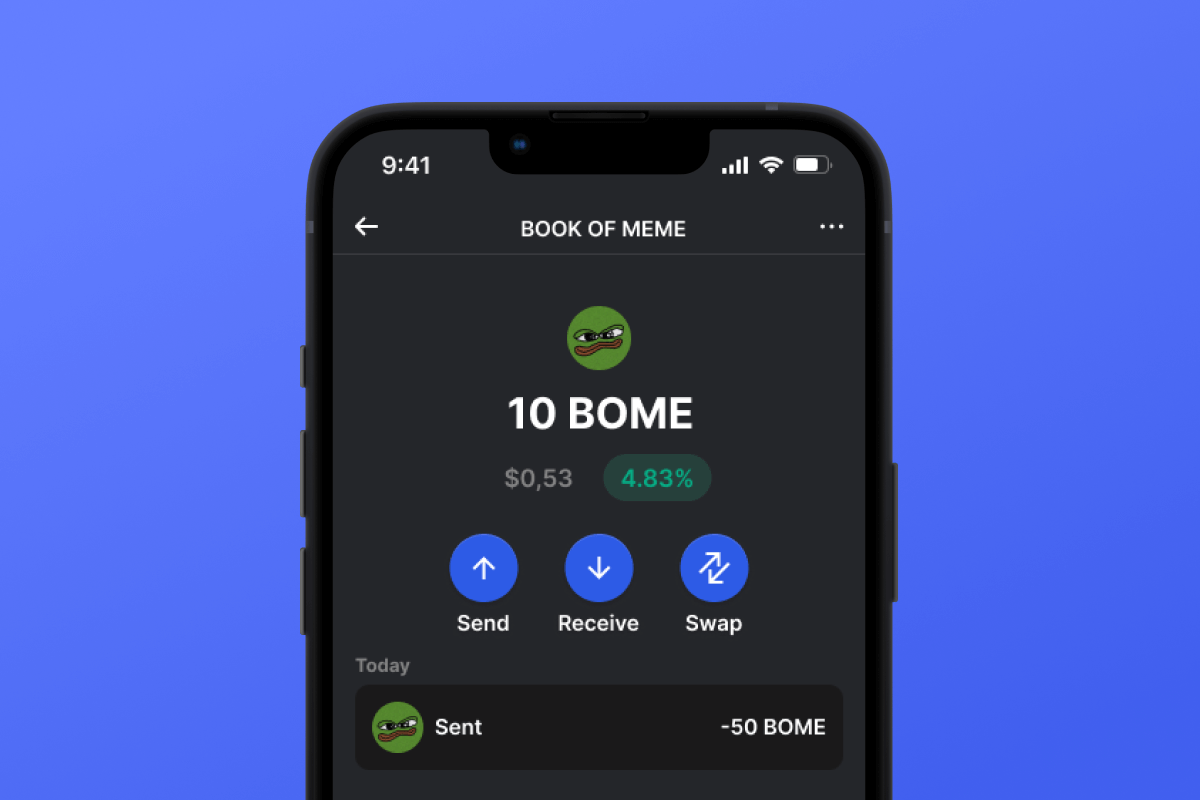
Dive into the dynamic realm of Bome, a revolutionary memecoin on Solana! Our Bome wallet, compatible with Android and iOS, makes it easy and secure to participate in the memecoin craze. Download now for a secure, cutting-edge crypto journey.

BOME ਬਟੂਆ

What Is Book of Meme?

Bome is a groundbreaking Solana-based memecoin revolutionizing web3 culture by integrating memes, decentralized storage, and degenerate shitcoin trading. At its core, Bome powers the BOOK OF MEME, an experimental project immortalizing meme culture on the blockchain. With links to images stored on IPFS, Arweave, and on-chain metadata, Bome fosters a decentralized social media ecosystem while offering tools to create memes and a CC0 Meme Clipart Collection. Discover Bome - the ultimate memecoin on the most degenerate chain.

What Makes Bome Unique?

Bome stands out among other memecoins with a more global approach. Unlike classic memecoins that are centered around a single meme, Bome adheres ideologically to the concept of a meme collection, allowing for the storage and creation of memes on the blockchain. Another important distinguishing feature of Bome from other memecoins is that it is built on the Solana blockchain in the form of SPL tokens. While Solana is a progressive blockchain, it is relatively young compared to the memecoin cornerstone, Ethereum.

Bome Wallet Benefits

The best Bome wallet for your memes!

  • Self-Custodial: Bome Wallet ensures full and sole access to your assets. No one else has access to the key.

  • Open Source: Bome Wallet has open-source code, essential for maintaining high security and transparency standards for users.

  • Security: We continuously improve and monitor all current trends in computer security. By choosing Bome Wallet, you get a secure wallet with a high level of privacy for your personal data.

  • Solana Friendly: Bome Wallet is not just a wallet for Bome; it’s a full-fledged multi-currency crypto wallet that works well with the Solana ecosystem and SPL tokens. Make transfers, swaps, authorizations in dApps, and much more.

  • User-Friendly Interface: The convenient and simple interface of Bome Wallet will delight you with its powerful functionality - whether it’s swapping, purchasing with a credit card, or simple transfers, all functions work intuitively and simply.

  • Accessibility: Bome Wallet is always available to you regardless of your device. Whether it’s Android or iOS, your wallet will always be with you.

Become part of the Solana community and Bome in particular - download Bome Wallet today

BOME ਵਾਲਿਟ ਰਤਨ ਸਭ ਤੋਂ ਵਧੀਆ ਵਿਕਲਪ ਕਿਉਂ ਹੈ?

Gem Wallet ਇੱਕ ਪ੍ਰਮੁੱਖ BOME ਵਾਲਿਟ ਹੱਲ ਵਜੋਂ ਵੱਖਰਾ ਹੈ, ਜੋ ਇੱਕ ਸ਼ਕਤੀਸ਼ਾਲੀ ਐਪ ਵਿੱਚ ਸੁਰੱਖਿਆ, ਗੋਪਨੀਯਤਾ ਅਤੇ ਵਰਤੋਂਯੋਗਤਾ ਨੂੰ ਜੋੜਦਾ ਹੈ। ਇੱਥੇ ਦੱਸਿਆ ਗਿਆ ਹੈ ਕਿ ਉਪਭੋਗਤਾ ਆਪਣੀਆਂ BOME ਜ਼ਰੂਰਤਾਂ ਲਈ Gem Wallet ਕਿਉਂ ਚੁਣਦੇ ਹਨ:

ਪੂਰਾ ਕੰਟਰੋਲ

ਤੁਹਾਡੀਆਂ ਨਿੱਜੀ ਕੁੰਜੀਆਂ ਅਤੇ ਸੀਡ ਵਾਕਾਂਸ਼ ਦਾ ਪੂਰਾ ਨਿਯੰਤਰਣ। ਕੋਈ ਵੀ ਤੀਜੀ ਧਿਰ ਤੁਹਾਡੇ BOME ਤੱਕ ਪਹੁੰਚ ਜਾਂ ਪਾਬੰਦੀ ਨਹੀਂ ਲਗਾ ਸਕਦੀ। ਤੁਹਾਡਾ BOME ਸੱਚਮੁੱਚ ਤੁਹਾਡਾ ਹੈ।

ਗੋਪਨੀਯਤਾ ਸੁਰੱਖਿਆ

ਕੋਈ ਟਰੈਕਿੰਗ ਨਹੀਂ, ਕੋਈ ਨਿੱਜੀ ਜਾਣਕਾਰੀ ਨਹੀਂ, ਕੋਈ ਡਾਟਾ ਇਕੱਠਾ ਨਹੀਂ। ਤੁਹਾਡੇ BOME ਉੱਤੇ ਪੂਰੀ ਗੋਪਨੀਯਤਾ ਅਤੇ ਨਿਯੰਤਰਣ।

ਓਪਨ-ਸੋਰਸ

ਜਨਤਕ ਤੌਰ 'ਤੇ ਉਪਲਬਧ ਕੋਡ ਚਾਲੂ ਹੈ ਗਿੱਟਹੱਬ, ਕਿਸੇ ਨੂੰ ਵੀ ਸੁਰੱਖਿਆ ਅਤੇ ਕਾਰਜਸ਼ੀਲਤਾ ਦੀ ਪੁਸ਼ਟੀ ਕਰਨ ਦੀ ਆਗਿਆ ਦਿੰਦਾ ਹੈ।

ਕਰਾਸ-ਪਲੇਟਫਾਰਮ

iOS, Android, ਅਤੇ APK 'ਤੇ ਉਪਲਬਧ ਹੈ। ਤੁਹਾਡਾ BOME ਵਾਲਾਟ ਜਿੱਥੇ ਵੀ ਤੁਸੀਂ ਜਾਂਦੇ ਹੋ ਉੱਥੇ ਕੰਮ ਕਰਦਾ ਹੈ।

BOME ਕਈ ਭਾਸ਼ਾਵਾਂ ਵਿੱਚ ਵਾਲਿਟ

ਅੰਗਰੇਜ਼ੀ, ਸਪੈਨਿਸ਼, ਚੀਨੀ, ਰੂਸੀ ਅਤੇ ਅਰਬੀ ਸਮੇਤ 25+ ਭਾਸ਼ਾਵਾਂ ਦਾ ਸਮਰਥਨ ਕਰਦਾ ਹੈ। ਵਿਸ਼ਵਵਿਆਪੀ ਪਹੁੰਚਯੋਗਤਾ ਲਈ ਪੂਰੀ ਤਰ੍ਹਾਂ ਸਥਾਨਕ।

ਬਿਲਟ-ਇਨ BOME ਸੇਵਾਵਾਂ

30+ ਭੁਗਤਾਨ ਵਿਧੀਆਂ ਨਾਲ BOME ਖਰੀਦੋ। ਸਵੈਪ BOME ਏਕੀਕ੍ਰਿਤ DEX ਐਗਰੀਗੇਟਰ ਰਾਹੀਂ। ਸਾਰੀਆਂ ਕ੍ਰਿਪਟੋ ਸੰਪਤੀਆਂ ਨੂੰ ਇੱਕ ਸੁਰੱਖਿਅਤ ਥਾਂ 'ਤੇ ਪ੍ਰਬੰਧਿਤ ਕਰੋ।

ਤੁਲਨਾ: ਜੇਮ ਵਾਲਿਟ ਬਨਾਮ ਐਕਸਚੇਂਜ ਵਾਲਿਟ

ਦੇਖੋ ਕਿ BOME ਨੂੰ Gem Wallet ਵਿੱਚ ਸਟੋਰ ਕਰਨਾ ਇਸਨੂੰ ਐਕਸਚੇਂਜਾਂ 'ਤੇ ਰੱਖਣ ਤੋਂ ਕਿਵੇਂ ਵੱਖਰਾ ਹੈ।

ਵਿਸ਼ੇਸ਼ਤਾGem Walletਐਕਸਚੇਂਜ ਵਾਲਿਟ (ਬਿਨੈਂਸ, ਸਿੱਕਾਬੇਸ)
ਰਜਿਸਟ੍ਰੇਸ਼ਨ ਦੀ ਲੋੜ ਹੈ✅ ਕੋਈ ਨਹੀਂ❌ ਪੂਰਾ ਕੇਵਾਈਸੀ
ਨਿੱਜੀ ਡਾਟਾ ਸੰਗ੍ਰਹਿ✅ ਕੋਈ ਨਹੀਂ❌ ਵਿਆਪਕ (ਆਈਡੀ, ਪਤਾ, ਸੈਲਫੀ)
ਓਪਨ-ਸੋਰਸ✅ ਪੂਰੀ ਤਰ੍ਹਾਂ ਪਾਰਦਰਸ਼ੀ❌ ਬੰਦ ਸਰੋਤ
ਪ੍ਰਾਈਵੇਟ ਕੁੰਜੀਆਂ ਕੰਟਰੋਲ✅ ਹਾਂ❌ ਨਹੀਂ
ਖਾਤਾ ਫ੍ਰੀਜ਼ਿੰਗ✅ ਅਸੰਭਵ❌ ਸੰਭਵ
ਸੈੱਟਅੱਪ ਸਮਾਂ✅ 2 ਮਿੰਟ⚠️ 1-7 ਦਿਨ (KYC ਤਸਦੀਕ)

ਪੇਸ਼ੇਵਰ ਸੁਰੱਖਿਆ ਵਿਸ਼ੇਸ਼ਤਾਵਾਂ

  1. ਬਾਇਓਮੈਟ੍ਰਿਕ ਪ੍ਰਮਾਣਿਕਤਾ: ਆਪਣੇ ਬਟੂਏ ਨੂੰ ਸੁਰੱਖਿਅਤ ਕਰਨ ਲਈ ਫੇਸ ਆਈਡੀ, ਟੱਚ ਆਈਡੀ, ਜਾਂ ਫਿੰਗਰਪ੍ਰਿੰਟ ਦੀ ਵਰਤੋਂ ਕਰੋ
  2. ਪਿੰਨ ਸੁਰੱਖਿਆ: ਇੱਕ ਵਾਧੂ ਸੁਰੱਖਿਆ ਪਰਤ ਦੇ ਤੌਰ 'ਤੇ ਇੱਕ ਮਜ਼ਬੂਤ ​​ਪਿੰਨ ਕੋਡ ਸੈੱਟ ਕਰੋ
  3. ਇਨਕ੍ਰਿਪਟਡ ਬੈਕਅੱਪ: ਤੁਹਾਡਾ ਸੀਡ ਵਾਕੰਸ਼ ਸੁਰੱਖਿਅਤ ਢੰਗ ਨਾਲ ਸਟੋਰ ਕੀਤਾ ਜਾਂਦਾ ਹੈ ਅਤੇ ਕਦੇ ਵੀ ਤੁਹਾਡੀ ਡਿਵਾਈਸ ਤੋਂ ਬਾਹਰ ਨਹੀਂ ਜਾਂਦਾ
  4. ਨਿਯਮਤ ਸੁਰੱਖਿਆ ਆਡਿਟ: ਸੁਤੰਤਰ ਸੁਰੱਖਿਆ ਸਮੀਖਿਆਵਾਂ ਵਾਲਿਟ ਦੀ ਇਕਸਾਰਤਾ ਨੂੰ ਯਕੀਨੀ ਬਣਾਉਂਦੀਆਂ ਹਨ। ਸੁਰੱਖਿਆ ਬਾਰੇ ਹੋਰ ਜਾਣੋ →
Gem Wallet private key security and self-custody crypto wallet features

ਉਪਭੋਗਤਾ Gem BOME ਵਾਲਿਟ ਬਾਰੇ ਕੀ ਕਹਿੰਦੇ ਹਨ

2 ਮਿੰਟਾਂ ਵਿੱਚ BOME ਵਾਲਿਟ ਕਿਵੇਂ ਸੈੱਟ ਕਰਨਾ ਹੈ

ਤੇਜ਼ ਸੈੱਟਅੱਪ ਗਾਈਡ (3 ਕਦਮ)

ਬੈਂਕ ਖਾਤਾ ਖੋਲ੍ਹਣ ਨਾਲੋਂ BOME ਵਾਲਿਟ ਬਣਾਉਣਾ ਸੌਖਾ ਹੈ। Gem Wallet ਤੁਹਾਨੂੰ ਪੂਰੀ ਪ੍ਰਕਿਰਿਆ ਵਿੱਚ ਮਿੰਟਾਂ ਵਿੱਚ ਮਾਰਗਦਰਸ਼ਨ ਕਰਦਾ ਹੈ, ਜਿਸ ਨਾਲ ਇਹ ਪੂਰੀ ਤਰ੍ਹਾਂ ਸ਼ੁਰੂਆਤ ਕਰਨ ਵਾਲਿਆਂ ਲਈ ਪਹੁੰਚਯੋਗ ਹੋ ਜਾਂਦਾ ਹੈ।

onboarding view

1. ਪ੍ਰਾਪਤ ਕਰੋ BOME ਬਟੂਆ

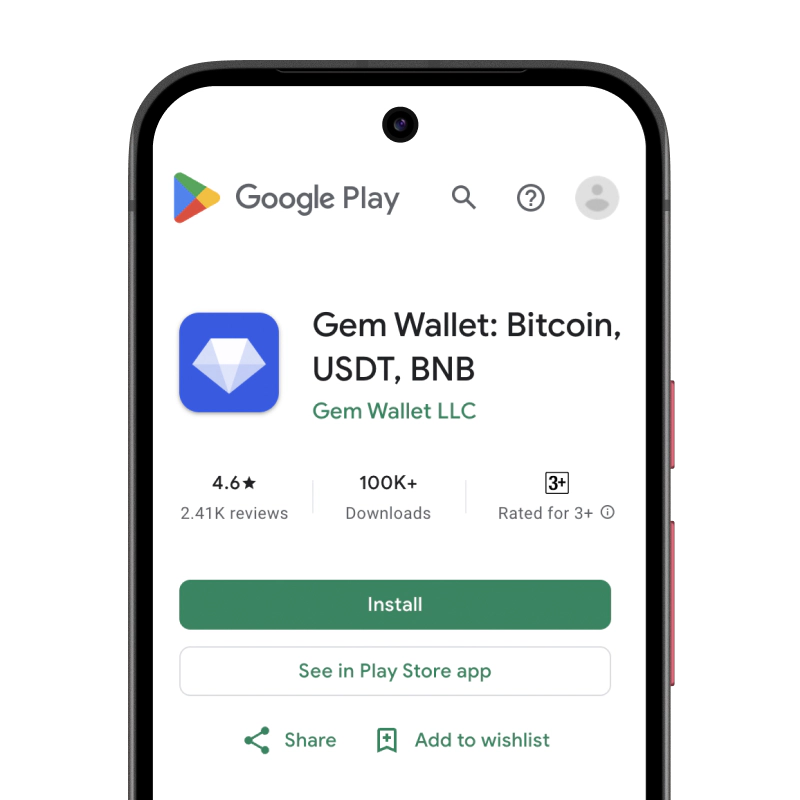
BOME ਵਾਲਿਟ: iOS , ਐਂਡਰਾਇਡ & ਏਪੀਕੇ

recovery phrase screen

2. ਬਣਾਓ BOME ਬਟੂਆ

ਇੱਕ ਨਵਾਂ ਵਾਲਿਟ ਬਣਾਓ, ਗੁਪਤ ਵਾਕੰਸ਼ ਨੂੰ ਸੁਰੱਖਿਅਤ ਕਰੋ, ਅਤੇ ਆਪਣਾ ਪਤਾ ਪ੍ਰਾਪਤ ਕਰੋ BOME.

gem wallet security settings

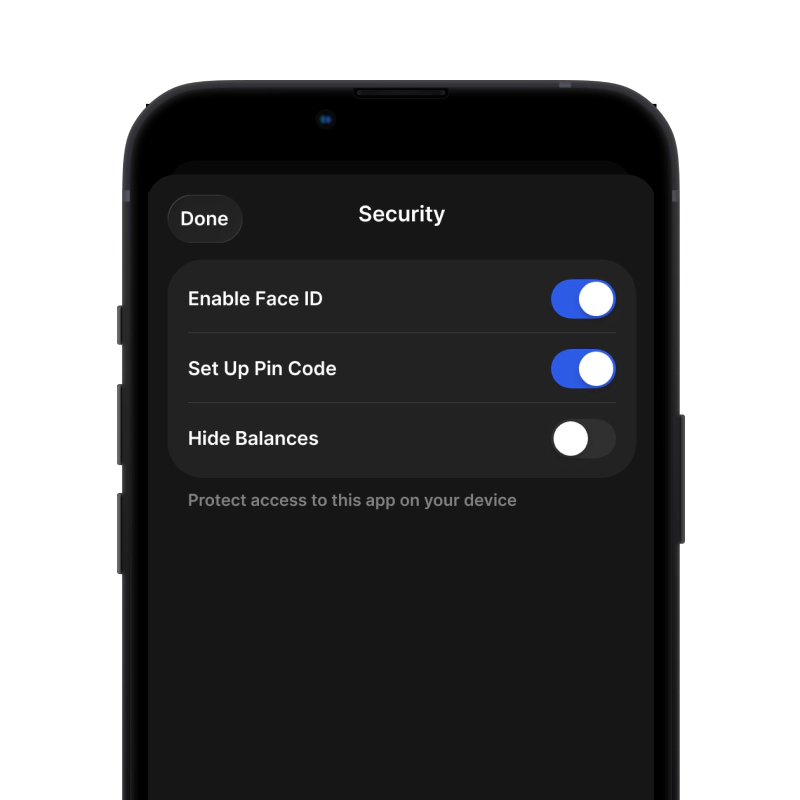
3. Set Up Security for BOME

Enable PIN or biometric authentication and you're ready to go

iOS ਲਈ BOME ਵਾਲਿਟ ਬਣਾਓ

ਆਈਫੋਨ 'ਤੇ ਆਪਣਾ BOME ਵਾਲਿਟ ਪ੍ਰਾਪਤ ਕਰੋ (2 ਮਿੰਟ):

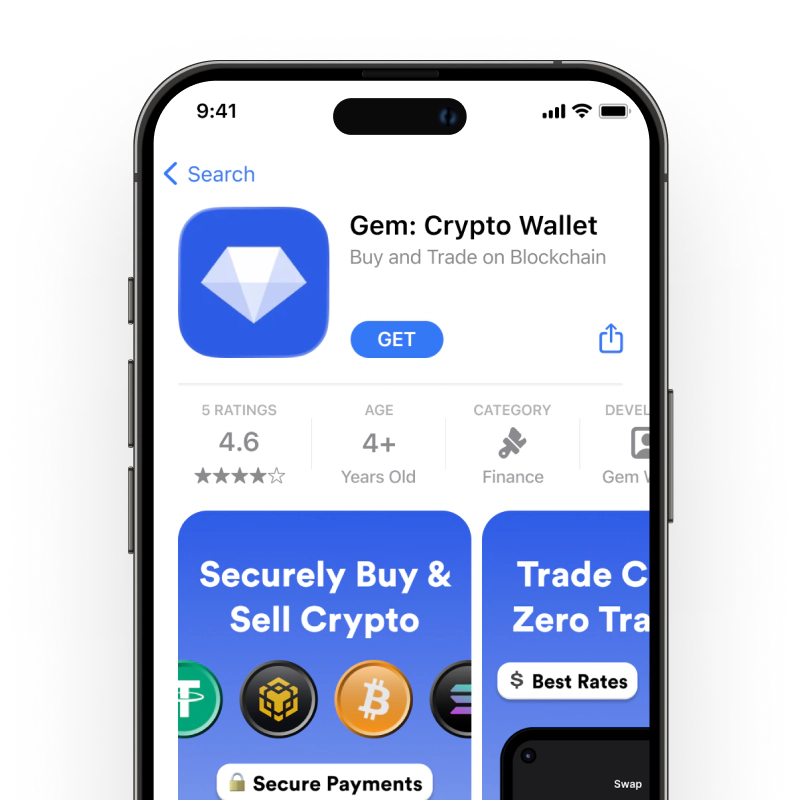
  1. ਐਪ ਸਟੋਰ ਖੋਲ੍ਹੋ ਅਤੇ "Gem Wallet" ਖੋਜੋ।
  2. ਐਪ ਡਾਊਨਲੋਡ ਅਤੇ ਸਥਾਪਿਤ ਕਰੋ (ਇਹ ਮੁਫ਼ਤ ਹੈ ਅਤੇ 50MB ਤੋਂ ਘੱਟ ਹੈ)
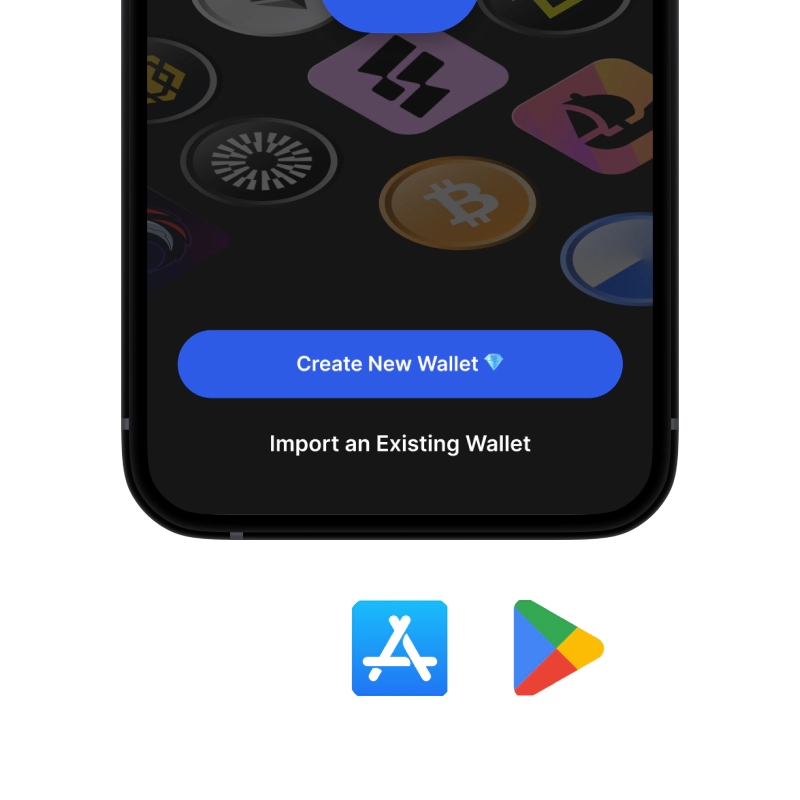
  3. Gem Wallet ਖੋਲ੍ਹੋ ਅਤੇ "ਨਵਾਂ Wallet ਬਣਾਓ" 'ਤੇ ਟੈਪ ਕਰੋ।
  4. ਆਪਣੇ ਗੁਪਤ ਵਾਕਾਂਸ਼ ਨੂੰ ਕਾਗਜ਼ 'ਤੇ ਲਿਖੋ - ਇਹ ਤੁਹਾਡਾ ਮਾਸਟਰ ਬੈਕਅੱਪ ਹੈ
  5. ਤੇਜ਼ ਅਤੇ ਸੁਰੱਖਿਅਤ ਪਹੁੰਚ ਲਈ ਫੇਸ ਆਈਡੀ ਨੂੰ ਸਮਰੱਥ ਬਣਾਓ ਜਾਂ ਇੱਕ ਪਿੰਨ ਕੋਡ ਸੈੱਟ ਕਰੋ
  6. ਹੋ ਗਿਆ!
iOS ਲਈ Gem ਵਾਲਿਟ ਡਾਊਨਲੋਡ ਕਰੋ
iOS ਲਈ BOME ਵਾਲਿਟ

ਐਂਡਰਾਇਡ ਲਈ BOME ਵਾਲਿਟ ਬਣਾਓ

ਐਂਡਰਾਇਡ 'ਤੇ ਆਪਣਾ BOME ਵਾਲਿਟ ਪ੍ਰਾਪਤ ਕਰੋ (2 ਮਿੰਟ):

  1. ਗੂਗਲ ਪਲੇ ਰਾਹੀਂ: ਪਲੇ ਸਟੋਰ ਵਿੱਚ "Gem Wallet" ਖੋਜੋ ਅਤੇ ਇੰਸਟਾਲ ਕਰੋ
  2. ਏਪੀਕੇ: ਵੱਧ ਤੋਂ ਵੱਧ ਗੋਪਨੀਯਤਾ ਅਤੇ ਨਿਯੰਤਰਣ ਲਈ ਏਪੀਕੇ ਫਾਈਲ ਡਾਊਨਲੋਡ ਕਰੋ
  3. ਐਪ ਖੋਲ੍ਹੋ ਅਤੇ "ਨਵਾਂ ਵਾਲਿਟ ਬਣਾਓ" ਚੁਣੋ।
  4. ਆਪਣੇ 12-ਸ਼ਬਦਾਂ ਦੇ ਗੁਪਤ ਵਾਕਾਂਸ਼ ਨੂੰ ਕਾਗਜ਼ 'ਤੇ ਲਿਖੋ।
  5. ਫਿੰਗਰਪ੍ਰਿੰਟ ਜਾਂ ਪਿੰਨ ਪ੍ਰਮਾਣੀਕਰਨ ਸੈੱਟਅੱਪ ਕਰੋ
  6. ਹੋ ਗਿਆ!
ਐਂਡਰਾਇਡ ਲਈ BOME ਵਾਲਿਟ

BOME ਪਤਾ ਕਿਵੇਂ ਪ੍ਰਾਪਤ ਕਰੀਏ

BOME ਵਾਲਿਟ ਪਤਾ ਪ੍ਰਾਪਤ ਕਰਨ ਲਈ, ਤੁਹਾਨੂੰ ਪਹਿਲਾਂ ਇੱਕ BOME ਵਾਲਿਟ ਬਣਾਉਣਾ ਜਾਂ ਆਯਾਤ ਕਰਨਾ ਪਵੇਗਾ। ਇਸ ਤੋਂ ਬਾਅਦ, ਐਪ ਤੁਹਾਡੇ ਲਈ ਆਪਣੇ ਆਪ ਪਤੇ ਤਿਆਰ ਕਰੇਗਾ।

1 ਖੋਲ੍ਹੋ Gem ਵਾਲਿਟ

ਆਪਣੇ ਫ਼ੋਨ 'ਤੇ ਐਪ ਲਾਂਚ ਕਰੋ ਅਤੇ ਆਪਣੀ ਸੰਪਤੀ ਸੂਚੀ ਵਿੱਚੋਂ BOME (BOME) ਚੁਣੋ।

2 "ਪ੍ਰਾਪਤ ਕਰੋ" ਬਟਨ 'ਤੇ ਟੈਪ ਕਰੋ

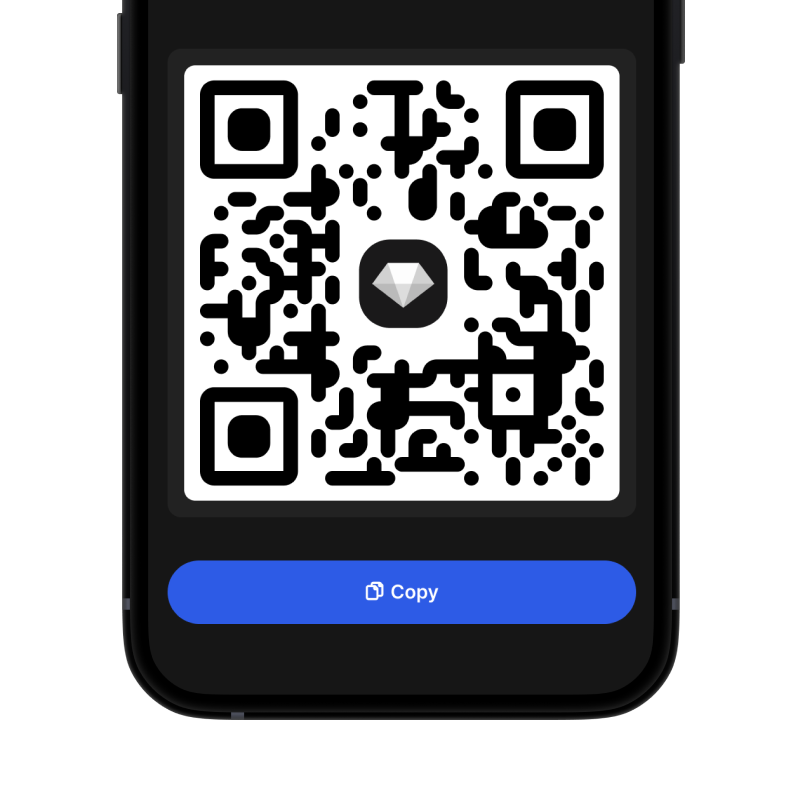
ਤੁਹਾਨੂੰ ਸਕ੍ਰੀਨ ਦੇ ਹੇਠਾਂ ਇੱਕ ਵੱਡਾ ਬਟਨ ਦਿਖਾਈ ਦੇਵੇਗਾ। ਤੁਹਾਡਾ BOME ਵਾਲਿਟ ਪਤਾ ਟੈਕਸਟ ਅਤੇ QR ਕੋਡ ਦੋਵਾਂ ਦੇ ਰੂਪ ਵਿੱਚ ਪ੍ਰਦਰਸ਼ਿਤ ਹੋਵੇਗਾ।

3 ਆਪਣਾ ਪਤਾ ਕਾਪੀ ਕਰੋ

ਪਤੇ ਨੂੰ ਕਲਿੱਪਬੋਰਡ 'ਤੇ ਕਾਪੀ ਕਰੋ, QR ਕੋਡ ਸਾਂਝਾ ਕਰੋ, ਜਾਂ ਇਸਨੂੰ ਸਿੱਧਾ ਮੈਸੇਜਿੰਗ ਐਪਸ ਰਾਹੀਂ ਭੇਜੋ।

Get BOME wallet address in Gem Wallet
🔄 ਅਸੀਮਤ ਪਤੇ

Gem Wallet ਵਿੱਚ, ਤੁਸੀਂ ਮੁਫ਼ਤ ਵਿੱਚ ਅਸੀਮਤ BOME ਪਤੇ ਤਿਆਰ ਕਰ ਸਕਦੇ ਹੋ। ਹਰੇਕ ਪਤਾ ਤੁਹਾਡੇ ਸੀਡ ਵਾਕੰਸ਼ ਤੋਂ ਲਿਆ ਗਿਆ ਹੈ ਅਤੇ ਹਮੇਸ਼ਾ ਤੁਹਾਡੇ ਨਿਯੰਤਰਣ ਵਿੱਚ ਰਹਿੰਦਾ ਹੈ।

📱 QR ਕੋਡਾਂ ਦੀ ਵਰਤੋਂ
  • ਕੋਈ ਟਾਈਪਿੰਗ ਗਲਤੀ ਨਹੀਂ - ਸਕੈਨਿੰਗ ਕਾਪੀ-ਪੇਸਟ ਗਲਤੀਆਂ ਨੂੰ ਰੋਕਦੀ ਹੈ
  • ਤੇਜ਼ ਲੈਣ-ਦੇਣ - ਬੱਸ ਆਪਣੇ ਫ਼ੋਨ ਦੀ ਸਕਰੀਨ ਦਿਖਾਓ
  • ਵਿਅਕਤੀਗਤ ਤੌਰ 'ਤੇ ਜਾਣ ਲਈ ਸੰਪੂਰਨ BOME ਭੁਗਤਾਨ