

CUSD Coin

CUSD Portafoglio

By choosing the CUSD wallet and the CUSD stablecoin, you gain convenient, secure, and fast mobile transfers worldwide. No need to wait for business hours or weekends to end; CUSD operates continuously so you can make transactions when you need to. Download the CUSD wallet today, and you'll forget about outdated alternatives!

CUSD Portafoglio

What Is CUSD?

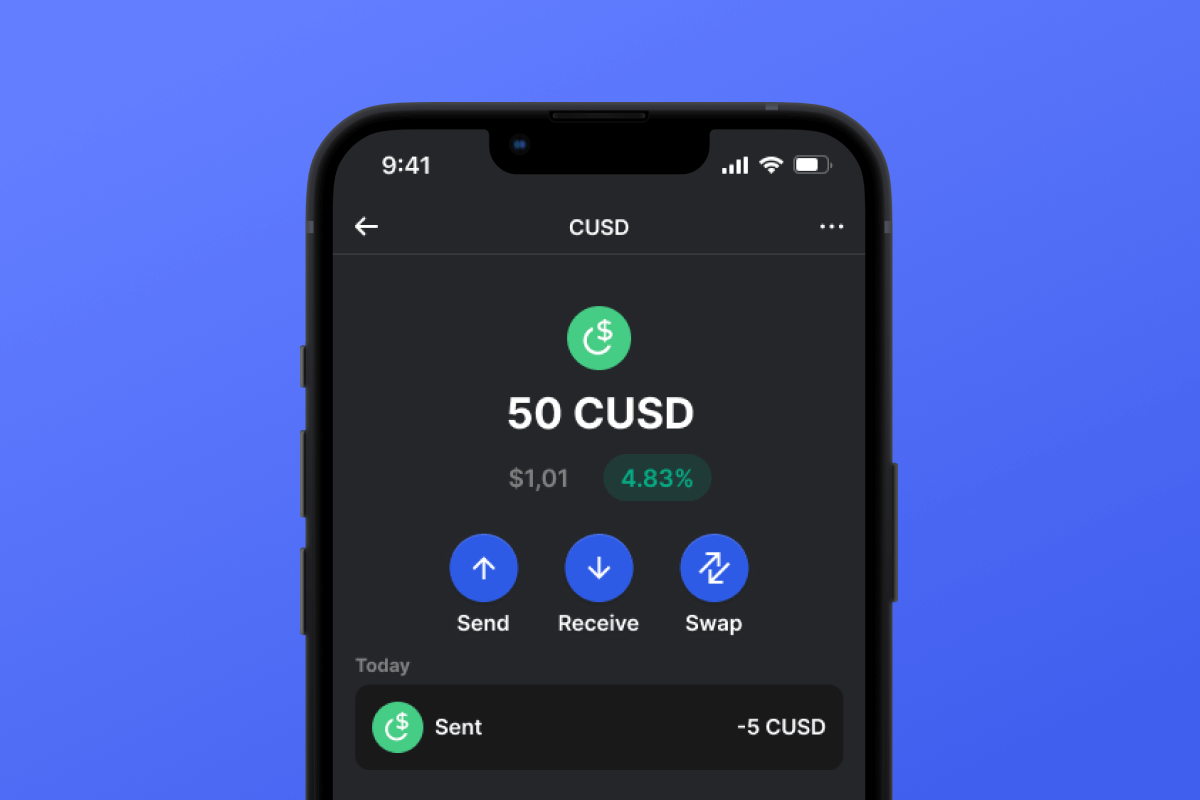
CUSD is a stablecoin built on the CELO blockchain. Stablecoins were created to simplify the connection between cryptocurrencies and fiat money. A stablecoin does not have its own inherent value - it is pegged 1:1 to a fiat currency - in this case, to the USD. By purchasing CUSD, you can easily interact with the cryptocurrency world - exchanging your digital dollar for desired crypto assets. It’s simple and convenient - and thanks to the low fees of the CELO blockchain, it’s also cost-effective.

What Is CELO Blockchain?

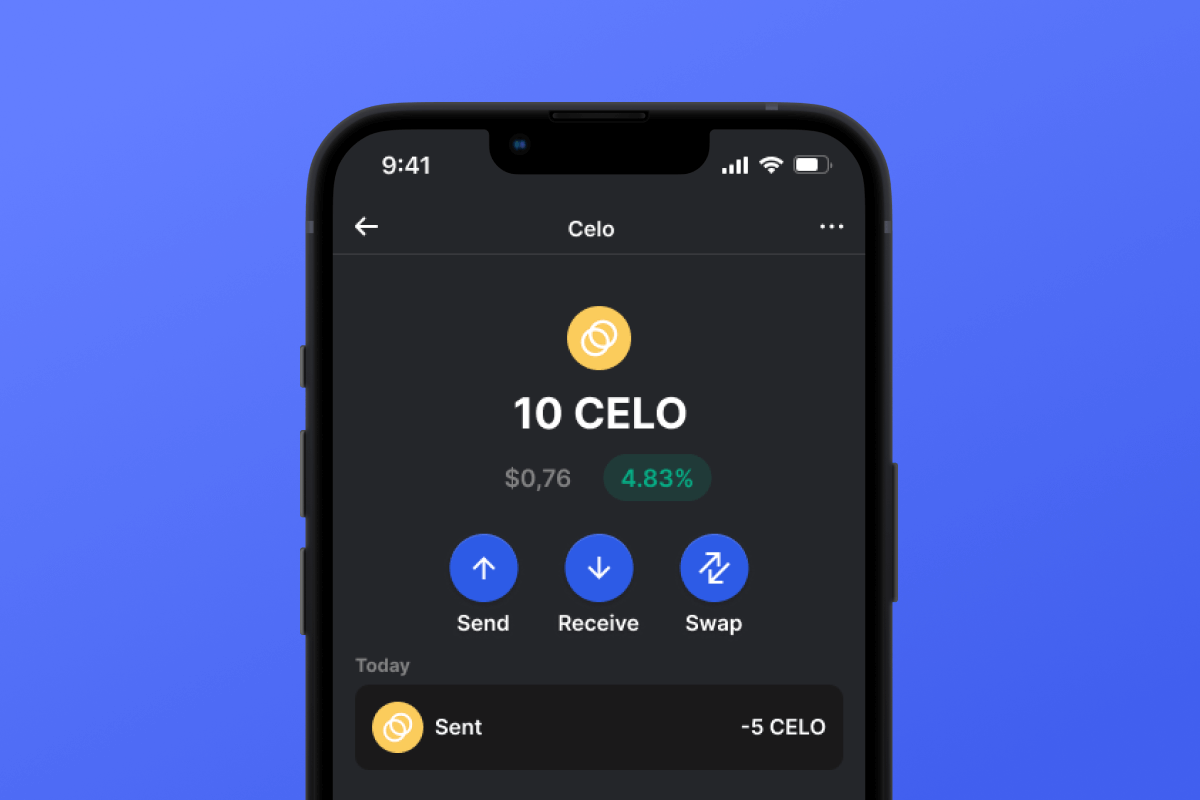
CELO is a blockchain launched in April 2020 with the main ideological mission of providing everyone, especially those without access to banking services, with a convenient and simple tool for exchanging assets and values. In this context, the issuance of their own stablecoin, CUSD, appears to be a very logical and well-thought-out solution.

CUSD Wallet Benefits:

  • Security: By choosing the CUSD wallet, you can rest assured about the security of your crypto assets. The wallet is constantly updated and keeps pace with the latest advancements in computer security systems. It also operates as a self-custodian, meaning that the key to your assets remains only with you and is not stored/transferred from your device.

  • Privacy: The CUSD wallet does not store personalized data. You can trust that your information will remain with you.

  • Transparency: The CUSD wallet is open-source, meaning that the application’s source code is open to everyone. Such transparency positively impacts both user peace of mind (the code can be checked for compliance with the claimed functionality) and overall functionality since any issues can be noticed and fixed quickly.

  • Accessibility: The CUSD wallet allows you to easily purchase CUSD with a credit card in just a couple of clicks. This simple function will facilitate your initial acquaintance with cryptocurrencies and will always provide a backup when you urgently need a certain amount of CUSD stablecoin.

  • Cross-Platform Compatibility: Regardless of whether you have an Android or iOS device, the CUSD wallet will always be available to you.

  • Multiple Blockchain Support: The CUSD wallet supports not only CUSD or CELO but also virtually all popular blockchains and tokens. Therefore, you can easily swap your CUSD for other cryptocurrencies directly within the application in just a few clicks.

  • User-Friendly Design: A convenient and pleasant interface will make your cryptocurrency experience enjoyable and straightforward!

Discover the CELO blockchain and its CUSD stablecoin today! And the first step - download the wallet.

Perché CUSD Wallet Gem è la scelta migliore?

Gem Wallet si distingue come una soluzione leader per i portafogli CUSD, combinando sicurezza, privacy e usabilità in un'unica potente app. Ecco perché gli utenti scelgono Gem Wallet per le loro esigenze CUSD:

Controllo completo

Controllo completo delle tue chiavi private e della secret phrase. Nessuna terza parte può accedere o limitare i tuoi CUSD. I tuoi CUSD sono veramente tuoi.

Tutela della privacy

Nessun tracciamento, nessuna informazione personale, nessuna raccolta dati. Privacy e controllo totali sui tuoi CUSD.

Open Source

Codice pubblicamente disponibile su GitHub, consentendo a chiunque di verificarne la sicurezza e la funzionalità.

Multipiattaforma

Disponibile su iOS, Android e APK. Il tuo portafoglio CUSD funziona ovunque tu vada.

Portafoglio CUSD in più lingue

Supporta oltre 25 lingue, tra cui inglese, spagnolo, cinese, russo e arabo. Completamente localizzato per un'accessibilità globale.

Servizi CUSD integrati

Acquista CUSD con oltre 30 metodi di pagamento. Scambia CUSD tramite l'aggregatore DEX integrato. Gestisci tutte le criptovalute in un unico posto sicuro.

Confronto: Gem Wallet vs Exchange Wallet

Scopri come conservare CUSD in Gem Wallet differisce dal conservarlo sugli exchange

CaratteristicaGem WalletPortafogli di scambio (Binance, Coinbase)
Registrazione richiesta✅ Nessuno❌ KYC completo
Raccolta di dati personali✅ Nessuno❌ Esteso (documento d'identità, indirizzo, selfie)
Open Source✅ Completamente trasparente❌ Codice sorgente chiuso
Controllo delle chiavi private✅ Sì❌ No
Congelamento dell'account✅ Impossibile❌ Possibile
Tempo di installazione✅ 2 minuti⚠️ 1-7 giorni (verifica KYC)

Funzionalità di sicurezza professionali

  1. Autenticazione biometrica: Usa Face ID, Touch ID o impronta digitale per proteggere il tuo portafoglio
  2. Protezione PIN: Imposta un codice PIN complesso come ulteriore livello di sicurezza
  3. Backup crittografati: La tua frase seme è archiviata in modo sicuro e non lascia mai il tuo dispositivo
  4. Controlli di sicurezza regolari: Le revisioni di sicurezza indipendenti garantiscono l'integrità del portafoglio. Scopri di più sulla sicurezza →
Gem Wallet private key security and self-custody crypto wallet features

Cosa dicono gli utenti di Gem CUSD Wallet

Come impostare un portafoglio CUSD in 2 minuti

Guida di installazione rapida (3 passaggi)

Creare un portafoglio CUSD è più semplice che aprire un conto bancario. Gem Wallet ti guida attraverso l'intero processo in pochi minuti, rendendolo accessibile anche ai principianti assoluti.

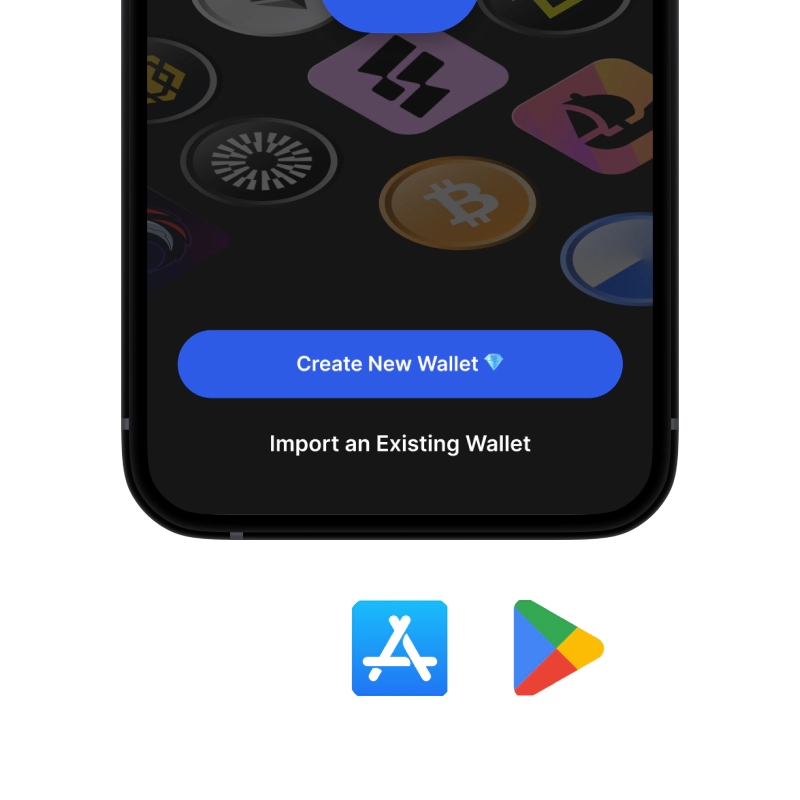
onboarding view

1. Ottenere CUSD Portafoglio

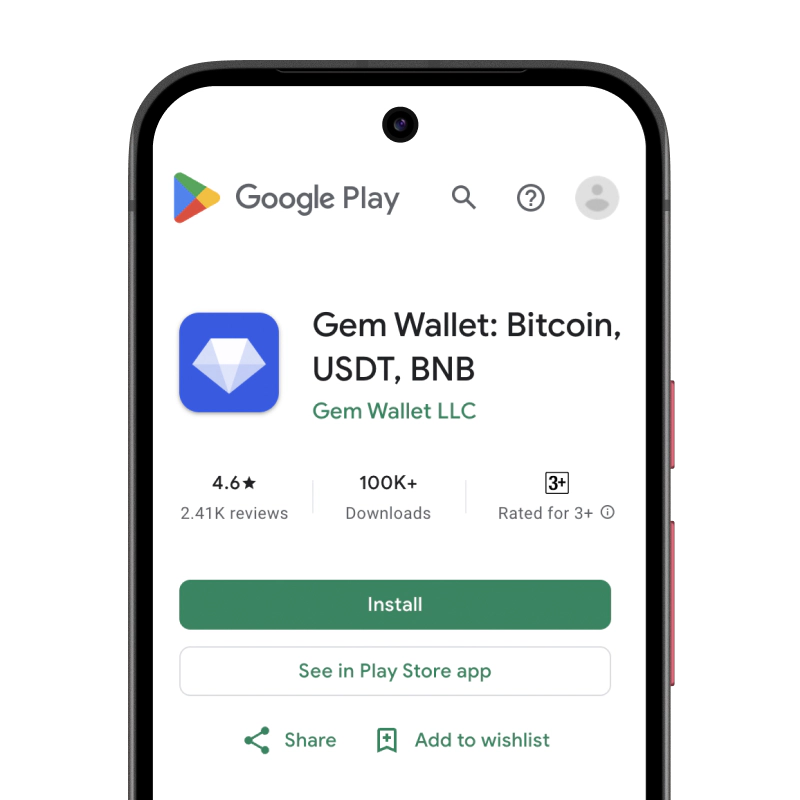
CUSD Portafoglio: iOS , Android & APK

recovery phrase screen

2. Creare CUSD Portafoglio

Crea un nuovo portafoglio, salva la frase segreta e ottieni il tuo indirizzo CUSD.

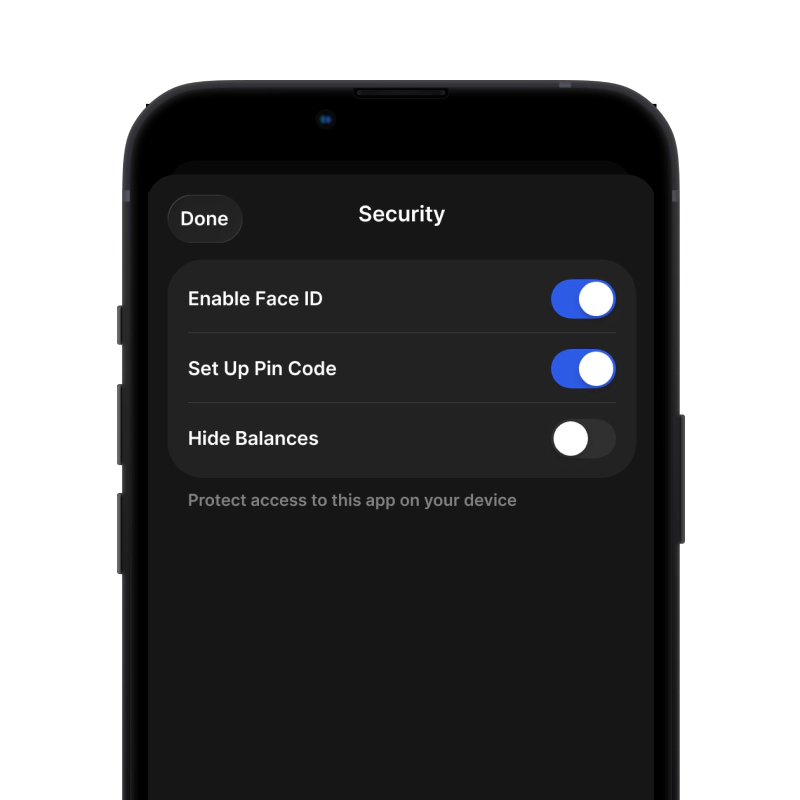
gem wallet security settings

3. Set Up Security for CUSD

Enable PIN or biometric authentication and you're ready to go

Crea un portafoglio CUSD per iOS

Ottieni il tuo portafoglio CUSD su iPhone (2 min):

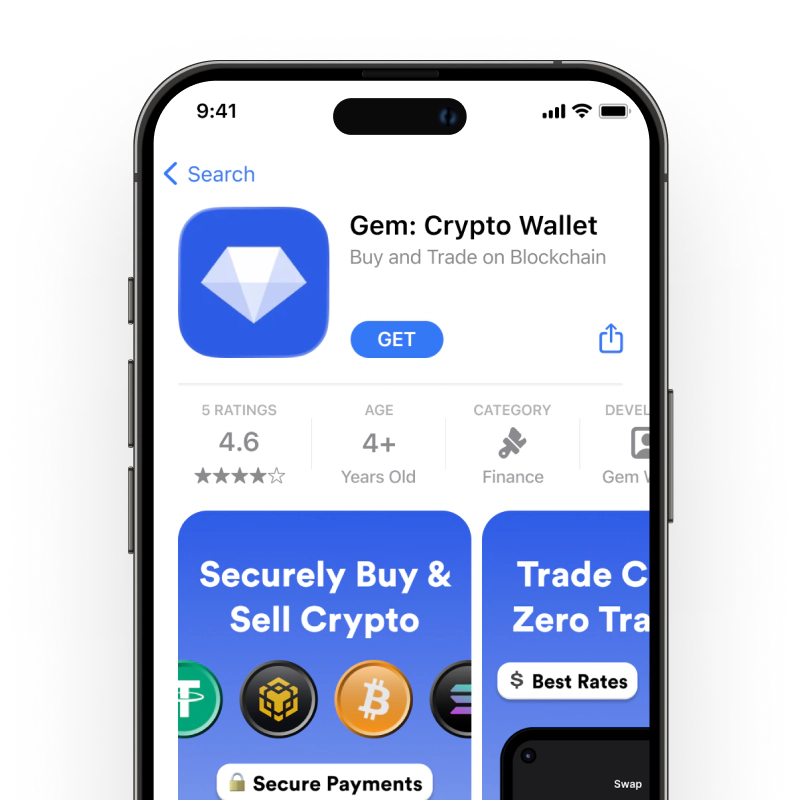
  1. Apri l'App Store e cerca "Gem Wallet"
  2. Scarica e installa l'app (è gratuita e pesa meno di 50 MB)
  3. Apri Gem Wallet e tocca "Crea nuovo portafoglio"
  4. Scrivi la tua frase segreta su un foglio di carta: questo è il tuo backup principale
  5. Abilita Face ID o imposta un codice PIN per un accesso rapido e sicuro
  6. Fatto!
Scarica Portafoglio Gemma per iOS
Portafoglio CUSD per iOS

Crea un portafoglio CUSD per Android

Ottieni il tuo portafoglio CUSD su Android (2 min):

  1. Tramite Google Play: Cerca "Gem Wallet" nel Play Store e installa
  2. APK: Scarica il file APK per la massima privacy e controllo
  3. Apri l'app e seleziona "Crea nuovo portafoglio"
  4. Scrivi su un foglio la tua frase segreta di 12 parole
  5. Imposta l'autenticazione tramite impronta digitale o PIN
  6. Fatto!
Portafoglio CUSD per Android

Come ottenere un indirizzo CUSD

Per ottenere un indirizzo wallet CUSD, devi prima creare o importare un wallet CUSD. Dopodiché, l'app genererà automaticamente gli indirizzi per te.

1 Aprire Portafoglio Gemma

Avvia l'app sul tuo telefono e seleziona CUSD (CUSD) dall'elenco delle tue risorse.

2 Tocca il pulsante "Ricevi"

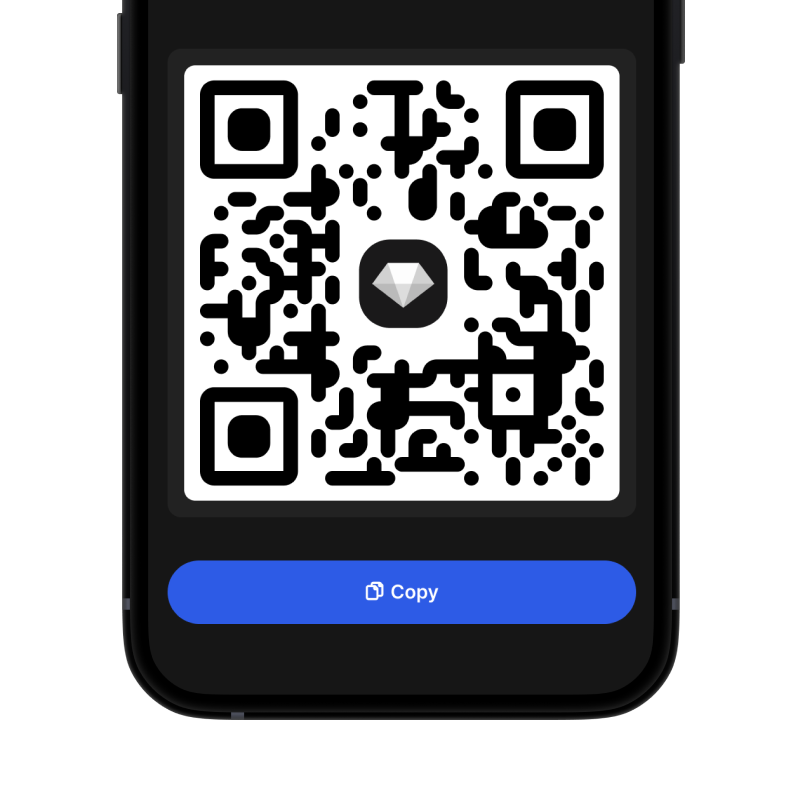
Vedrai un grande pulsante nella parte inferiore dello schermo. L'indirizzo del tuo portafoglio CUSD verrà visualizzato sia come testo che come codice QR.

3 Copia il tuo indirizzo

Copia l'indirizzo negli appunti, condividi il codice QR o invialo direttamente tramite le app di messaggistica.

Get CUSD wallet address in Gem Wallet
🔄 Indirizzi illimitati

Con Gem Wallet puoi generare gratuitamente un numero illimitato di indirizzi CUSD. Ogni indirizzo deriva dalla tua secret phrase e rimane sotto il tuo controllo per sempre.

📱 Utilizzo dei codici QR
  • Nessun errore di battitura - La scansione previene gli errori di copia-incolla
  • Transazioni più veloci - Mostra semplicemente lo schermo del tuo telefono
  • Perfetto per la persona Pagamenti CUSD