
USDC Coin

USDC Wallet

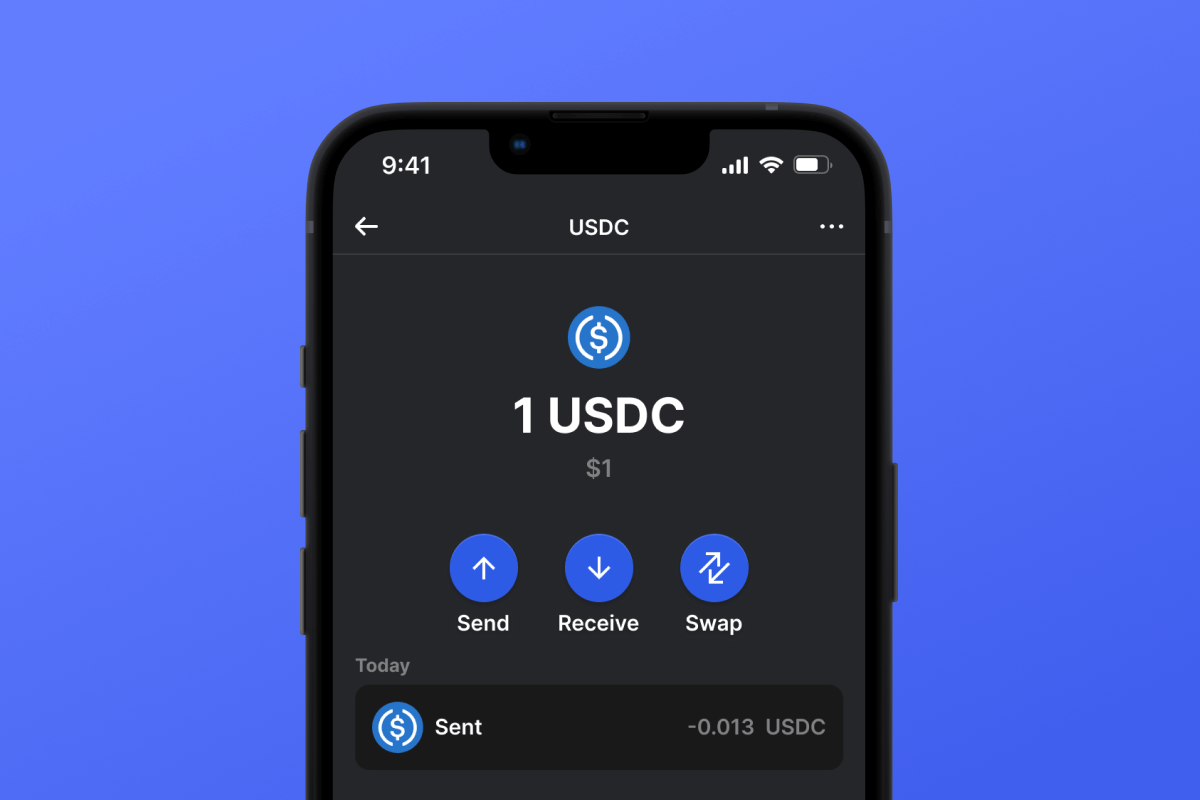
Download USDC Wallet and harness Web3 financial tools. Secure, open-source, self-custodial wallet for your USDC stablecoins. Available on iOS and Android, USDC Wallet empowers you to efficiently manage both your crypto capital and USD Coin, allowing you to swap, send, receive, and stake your assets. Join the future of finance today!

USDC Wallet

What Is USDC?

USD Coin (USDC) is a stablecoin pegged 1:1 to the US dollar, offering the speed, transparency, and security of blockchain technology while maintaining consistent value. Introduced by the Centre Consortium (Circle & Coinbase), USDC powers a wide range of decentralized finance applications and global payment solutions.

  • USDC mirrors the value of the US dollar in digital form.
  • Issued by trusted entities under strict regulatory oversight.
  • Provides transparency with monthly audits and proof of reserves.
  • Widely accepted across exchanges, DeFi platforms, and payment services.
  • Circle’s Cross-Chain Transfer Protocol (CCTP) enables USDC to move seamlessly across supported blockchains.

How Does USDC Work?

USDC operates as a stablecoin designed for value stability. It’s issued on multiple blockchains, most notably the Ethereum network, leveraging smart contracts for minting and redemption.

  • Users deposit USD with a participating issuer.
  • The issuer mints an equivalent amount of USDC and transfers it to the user’s wallet.
  • At any time, USDC can be redeemed 1:1 for USD, preserving its peg.

USDC ERC20 Wallet

The USDC ERC20 Wallet supports USDC on Ethereum with full functionality: storage, sending, native swaps, and dApp integrations. Note that Ethereum gas fees apply and can be covered by transferring ETH from an exchange or by purchasing ETH directly within the wallet.

USDC BASE Wallet

The USDC BASE Wallet is optimized for USDC on the BASE Layer 2 network, offering faster settlement and lower fees while maintaining Ethereum security. It includes a built-in bridge for seamless transfers between BASE and other chains. BASE network fees are paid in BASE-ETH, which you can buy with your credit card directly in the wallet.

USDC Wallet Benefits

Elevate your digital finance experience with the USDC Wallet:

  • Advanced Security: Industry-leading encryption and self-custody keep your USDC safe.
  • Self-Custody & Privacy: You alone control your private keys; no personal data is ever collected.
  • Open-Source Transparency: Fully auditable codebase, open for community review.
  • Universal Compatibility: Available on iOS and Android for seamless access.
  • Diverse Blockchain Support: Manage USDC across Ethereum, BASE, and other networks with integrated bridge and swap tools.
  • Direct On-Ramp: Purchase USDC in three simple steps directly in the app.
  • Efficient Swaps: Instantly swap USDC for thousands of other tokens via our DEX aggregator.
  • Intuitive Interface: Clean design tailored for both beginners and advanced users.

Download USDC Wallet today and join the financial revolution—your digital dollars in perfect balance!

Bakit ang USDC Wallet Gem ang Pinakamahusay na Pagpipilian?

Namumukod-tangi ang Gem Wallet bilang nangungunang solusyon sa USDC wallet, na pinagsasama ang seguridad, privacy, at usability sa isang makapangyarihang app. Narito kung bakit pinipili ng mga user ang Gem Wallet para sa kanilang mga pangangailangan sa USDC:

Ganap na Kontrol

Ganap na kontrol sa iyong mga pribadong susi at secret phrase. Walang ikatlong partido ang maaaring mag-access o maghigpit sa iyong USDC. Ang iyong USDC ay tunay na iyo.

Proteksyon sa Pagkapribado

Walang pagsubaybay, walang personal na impormasyon, walang pangongolekta ng datos. Ganap na privacy at kontrol sa iyong USDC.

Bukas na Pinagmulan

Kodigo na magagamit ng publiko sa GitHub, na nagpapahintulot sa sinuman na i-verify ang seguridad at functionality.

Pangkat-plataporma

Magagamit sa iOS, Android, at APK. Ang iyong USDC wallet ay gumagana saan ka man magpunta.

USDC Wallet sa Iba't ibang Wika

Sinusuportahan ang mahigit 25 wika kabilang ang Ingles, Espanyol, Tsino, Ruso, at Arabic. Ganap na naka-localize para sa pandaigdigang accessibility.

Mga Naka-embed na Serbisyo ng USDC

Bumili ng USDC gamit ang mahigit 30 paraan ng pagbabayad. Pagpalitin USDC sa pamamagitan ng integrated DEX aggregator. Pamahalaan ang lahat ng crypto assets sa isang ligtas na lugar.

Paghahambing: Gem Wallet vs Exchange Wallets

Tingnan kung paano naiiba ang pag-iimbak ng USDC sa Gem Wallet sa pag-iimbak nito sa mga exchange

TampokGem WalletMga Exchange Wallet (Binance, Coinbase)
Kinakailangan ang Pagpaparehistro✅ Wala❌ Buong KYC
Pangongolekta ng Personal na Datos✅ Wala❌ Malawak (ID, address, selfie)
Bukas na Pinagmulan✅ Ganap na transparent❌ Saradong pinagmulan
Kontrol ng mga Pribadong Key✅ Oo❌ Hindi
Pag-freeze ng Account✅ ImposiblePosible
Oras ng Pag-setup✅ 2 minuto⚠️ 1-7 araw (pag-verify ng KYC)

Mga Tampok ng Propesyonal na Seguridad

  1. Pagpapatotoo ng BiometrikoGamitin ang Face ID, Touch ID, o fingerprint para ma-secure ang iyong wallet
  2. Proteksyon ng PINMagtakda ng matibay na PIN code bilang karagdagang security layer
  3. Mga Naka-encrypt na BackupAng iyong secret phrase ay ligtas na nakaimbak at hindi kailanman lumalabas sa iyong device
  4. Mga Regular na Pag-audit sa SeguridadTinitiyak ng mga independiyenteng pagsusuri sa seguridad ang integridad ng wallet. Matuto nang higit pa tungkol sa seguridad →
Gem Wallet private key security and self-custody crypto wallet features

Ang Sinasabi ng mga Gumagamit Tungkol sa Gem USDC Wallet

Paano Mag-set Up ng USDC Wallet sa Loob ng 2 Minuto

Gabay sa Mabilisang Pag-setup (3 Hakbang)

Mas simple ang paggawa ng USDC wallet kaysa sa pagbubukas ng bank account. Gagabayan ka ng Gem Wallet sa buong proseso sa loob lamang ng ilang minuto, kaya madali itong magamit ng mga baguhan.

onboarding view

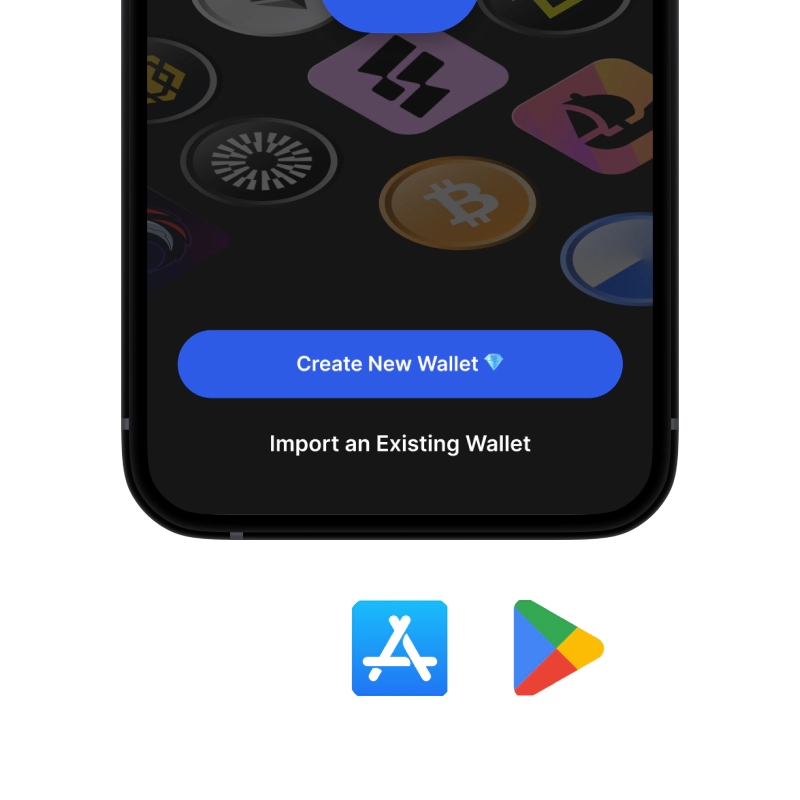
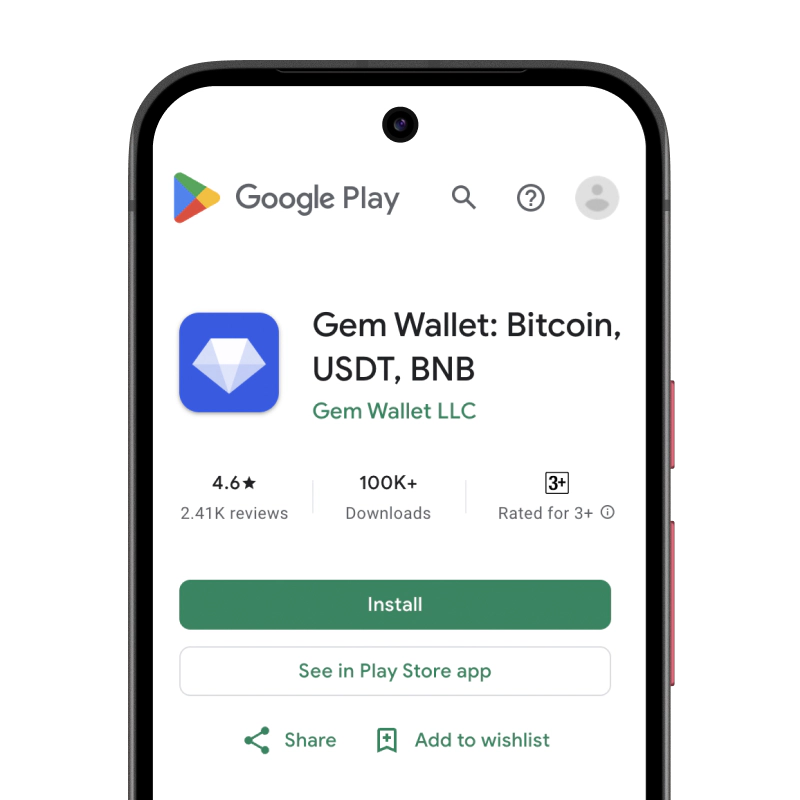
1. Download USDC Wallet

USDC Wallet: iOS, Android & APK

recovery phrase screen

2. Create USDC Wallet

Create a new wallet, save the secret phrase, and get your address in USDC.

gem wallet security settings

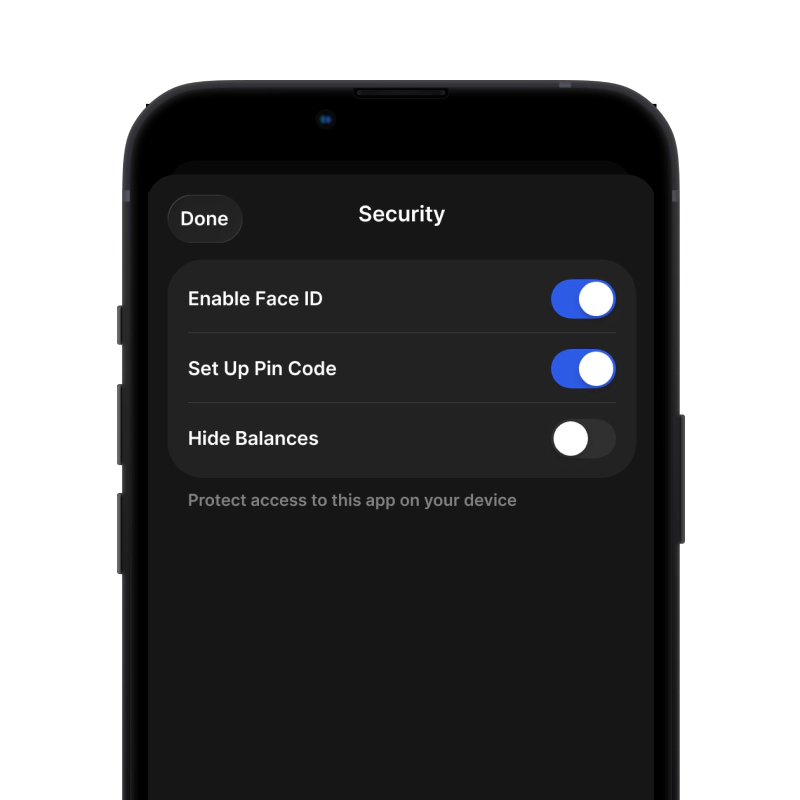
3. Set Up Security for USDC

Enable PIN or biometric authentication and you're ready to go

Gumawa ng USDC Wallet para sa iOS

Kunin ang iyong USDC wallet sa iPhone (2 minuto):

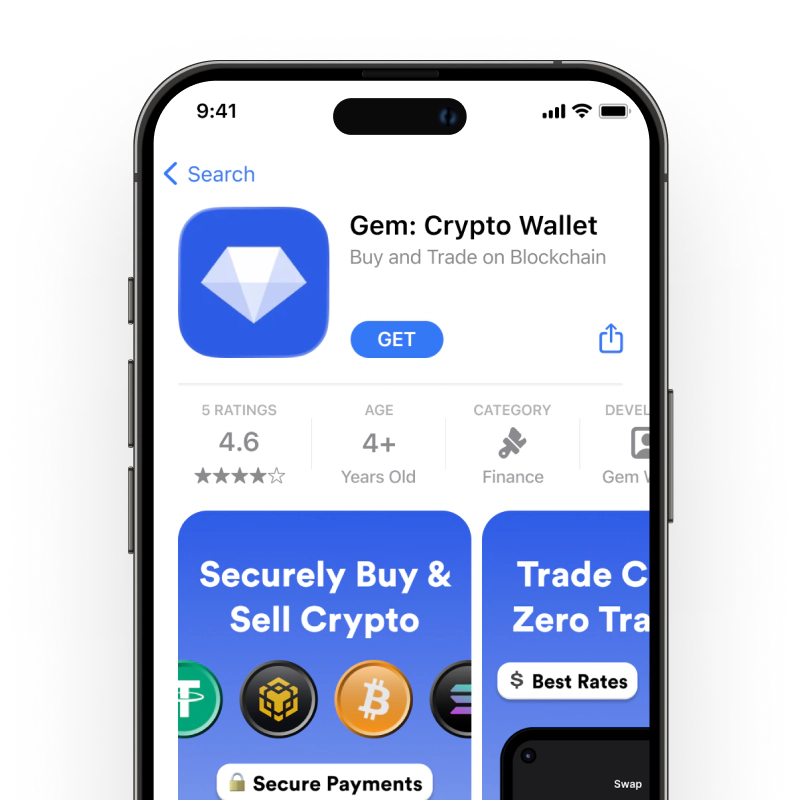
  1. Buksan ang App Store at hanapin ang "Gem Wallet"
  2. I-download at i-install ang app (libre ito at wala pang 50MB)
  3. Buksan ang Gem Wallet at i-tap ang "Gumawa ng Bagong Wallet"
  4. Isulat ang iyong sikretong parirala sa papel - ito ang iyong pangunahing backup
  5. Paganahin ang Face ID o magtakda ng PIN code para sa mabilis at ligtas na pag-access
  6. Tapos na!
Download Gem Wallet for iOS
USDC pitaka para sa iOS

Gumawa ng USDC Wallet para sa Android

Kunin ang iyong USDC wallet sa Android (2 minuto):

  1. Sa pamamagitan ng Google PlayHanapin ang "Gem Wallet" sa Play Store at i-install
  2. APKI-download ang APK file para sa pinakamataas na privacy at kontrol
  3. Buksan ang app at piliin ang "Gumawa ng Bagong Wallet"
  4. Isulat sa papel ang iyong 12-salitang sikretong parirala
  5. I-set up ang fingerprint o PIN authentication
  6. Tapos na!
USDC pitaka para sa Android

Paano Kumuha ng Address na USDC

Para makakuha ng USDC wallet address, kailangan mo munang gumawa o mag-import ng USDC wallet. Pagkatapos nito, awtomatikong bubuo ang app ng mga address para sa iyo.

1 Bukas Gem Wallet

Ilunsad ang app sa iyong telepono at piliin ang USDC (USDC) mula sa iyong listahan ng mga asset.

2 Pindutin ang Button na "Tanggapin"

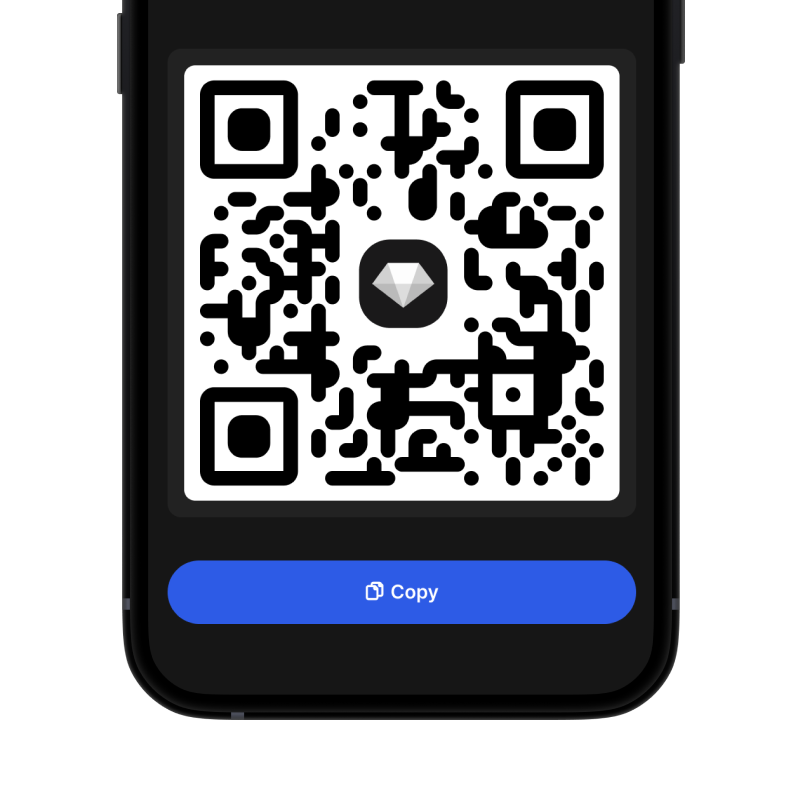
Makakakita ka ng malaking buton sa ibaba ng screen. Ang address ng iyong USDC wallet ay ipapakita bilang teksto at bilang QR code.

3 Kopyahin ang Iyong Address

Kopyahin ang address sa clipboard, ibahagi ang QR code, o ipadala ito nang direkta sa pamamagitan ng mga messaging app.

Get USDC wallet address in Gem Wallet
🔄 Walang Limitasyong Address

Sa Gem Wallet, maaari kang bumuo ng walang limitasyong USDC na mga address nang libre. Ang bawat address ay hango sa iyong secret phrase at mananatili sa ilalim ng iyong kontrol magpakailanman.

📱 Paggamit ng mga QR Code
  • Walang mga Mali sa Pag-type - Pinipigilan ng pag-scan ang mga pagkakamali sa pagkopya at pag-paste
  • Mas Mabilis na mga Transaksyon - Ipakita lang ang screen ng iyong telepono
  • Perpekto para sa personal mga pagbabayad sa USDC

Frequently Asked Questions

Sent USD Coin will arrive on the blockchain it was sent to. Although ERC20 and BASE addresses look identical, they belong to different networks, and your deposit or payment will not be credited automatically if sent to the wrong chain.
Yes. USDC Wallet lets you bridge or swap your USDC in just a few clicks—directly within the app—to transfer coins to the desired blockchain.
Yes. USDC Wallet gives you full control over your assets, allowing you to easily pay for purchases, including at Shopify stores.
Yes. USDC Wallet uses advanced encryption and cybersecurity measures to protect your assets. Its self-custody architecture ensures no third party can access your funds.