TRC20 Coin

TRC20 Wallet

Create a TRC20 Wallet for secure interaction with the Tron Network. Open-source, self-custodial, and privacy-first, with built-in DEX swaps and a credit-card on-ramp, the TRC20 Wallet provides you with a wide range of tools for managing TRON and TRC20 assets. Available on iOS and Android, as well as an APK app - Join Today!

TRC20 Wallet

What Is the TRON Network?

The TRON Network is a cutting-edge, decentralized blockchain platform designed for lightning-fast transactions, seamless support for the USDT stablecoin, and powerful smart contract and DApp functionality. Launched by Justin Sun in 2017, TRON has skyrocketed to over 200 million active addresses by the end of 2025, with its vibrant ecosystem continuing to grow.

What Is the TRX Token and Why Does It Matter for Your TRC20 Wallet?

TRX is the heartbeat of the TRON Network, driving its operations and fueling your blockchain interactions. Use TRX to cover fees for transfers and swaps, or stake it to unlock passive rewards and lower network costs, enhancing your wallet’s potential.

Most Popular Tokens for Your TRC20 Wallet

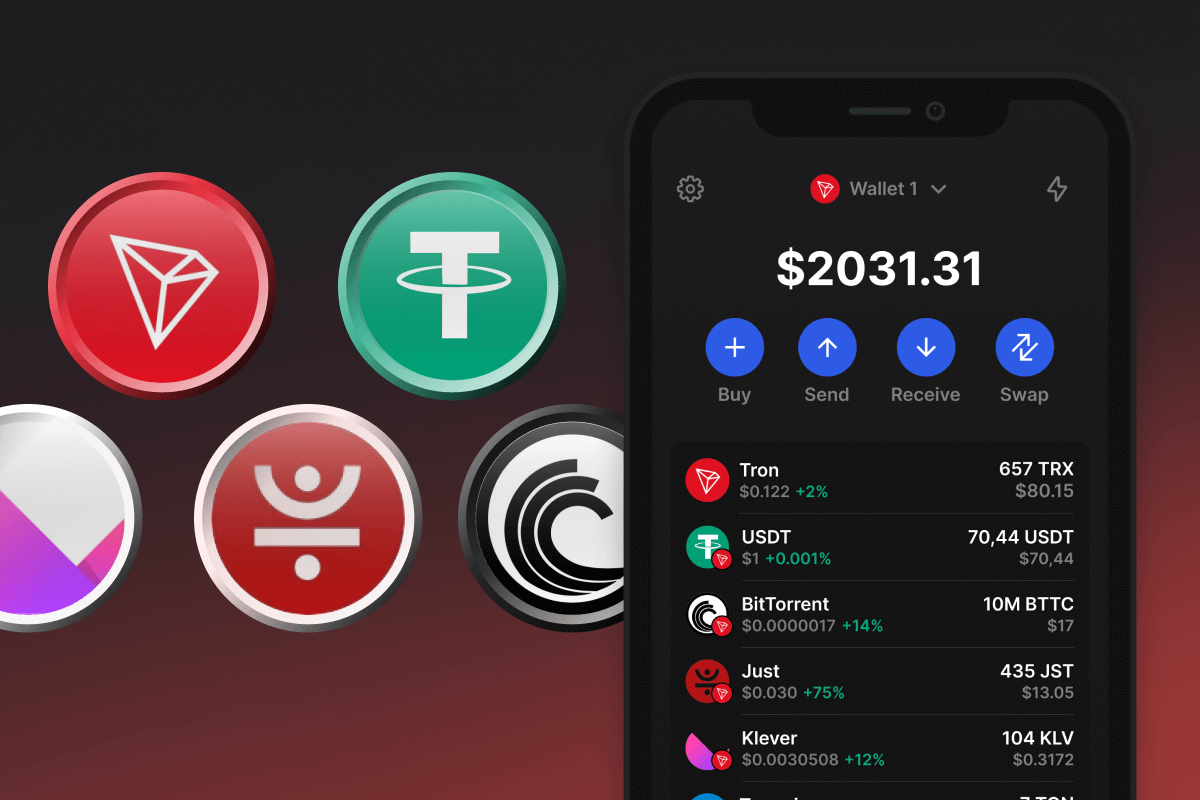
The TRC20 standard powers thousands of tokens, including top stablecoins like USDT and USDD, highlighting TRON’s strength in delivering fast, low-cost transfers. Dive into these popular choices:

  • Stablecoin USDT (TRC20)
  • Stablecoin USDD (TRC20)
  • BitTorrent Token (BTT)
Create a TRC20 Wallet with these advantages

Our TRC20 Wallet is built with security and privacy at its core, empowering you to take charge of TRON and TRC20 assets, including the essential TRX token, with unmatched flexibility:

  • Unbreakable Security: Your TRC20 Wallet ensures top-notch protection, giving you exclusive control over your recovery phrase and private keys, which are never stored or accessed by our platform.
  • Complete Anonymity: Operate with total privacy thanks to a no-tracking policy and open-source code, requiring zero personal information to manage your funds.
  • Simple Backup: Set up or recover your wallet effortlessly using a recovery phrase, with a streamlined process that keeps your assets safe and accessible.
  • Instant TRX Acquisition: Purchase TRX directly in the wallet using a credit card in three quick steps, with funds delivered straight to your address.
  • Effortless Trading: Swap TRON and TRC20 tokens right in the wallet with integrated DEX functionality, offering minimal fees and private, smooth transactions.
  • Staking Benefits: Stake TRX to earn passive income and enjoy reduced transaction fees, amplifying your TRON experience.
  • Always Accessible: Manage your assets anytime, anywhere on iOS, Android, or via an APK app. The sleek, intuitive interface delivers essential tools, real-time market insights, and customizable price alerts to keep you in the loop.

Create a secure TRC20 Wallet in just a few clicks and join the vast TRON Network family!

Bakit ang TRC20 Wallet Gem ang Pinakamahusay na Pagpipilian?

Namumukod-tangi ang Gem Wallet bilang nangungunang solusyon sa TRC20 wallet, na pinagsasama ang seguridad, privacy, at usability sa isang makapangyarihang app. Narito kung bakit pinipili ng mga user ang Gem Wallet para sa kanilang mga pangangailangan sa TRC20:

Ganap na Kontrol

Ganap na kontrol sa iyong mga pribadong susi at secret phrase. Walang ikatlong partido ang maaaring mag-access o maghigpit sa iyong TRC20. Ang iyong TRC20 ay tunay na iyo.

Proteksyon sa Pagkapribado

Walang pagsubaybay, walang personal na impormasyon, walang pangongolekta ng datos. Ganap na privacy at kontrol sa iyong TRC20.

Bukas na Pinagmulan

Kodigo na magagamit ng publiko sa GitHub, na nagpapahintulot sa sinuman na i-verify ang seguridad at functionality.

Pangkat-plataporma

Magagamit sa iOS, Android, at APK. Ang iyong TRC20 wallet ay gumagana saan ka man magpunta.

TRC20 Wallet sa Iba't ibang Wika

Sinusuportahan ang mahigit 25 wika kabilang ang Ingles, Espanyol, Tsino, Ruso, at Arabic. Ganap na naka-localize para sa pandaigdigang accessibility.

Mga Naka-embed na Serbisyo ng TRC20

Bumili ng TRC20 gamit ang mahigit 30 paraan ng pagbabayad. Pagpalitin TRC20 sa pamamagitan ng integrated DEX aggregator. Pamahalaan ang lahat ng crypto assets sa isang ligtas na lugar.

Paghahambing: Gem Wallet vs Exchange Wallets

Tingnan kung paano naiiba ang pag-iimbak ng TRC20 sa Gem Wallet sa pag-iimbak nito sa mga exchange

TampokGem WalletMga Exchange Wallet (Binance, Coinbase)
Kinakailangan ang Pagpaparehistro✅ Wala❌ Buong KYC
Pangongolekta ng Personal na Datos✅ Wala❌ Malawak (ID, address, selfie)
Bukas na Pinagmulan✅ Ganap na transparent❌ Saradong pinagmulan
Kontrol ng mga Pribadong Key✅ Oo❌ Hindi
Pag-freeze ng Account✅ ImposiblePosible
Oras ng Pag-setup✅ 2 minuto⚠️ 1-7 araw (pag-verify ng KYC)

Mga Tampok ng Propesyonal na Seguridad

  1. Pagpapatotoo ng BiometrikoGamitin ang Face ID, Touch ID, o fingerprint para ma-secure ang iyong wallet
  2. Proteksyon ng PINMagtakda ng matibay na PIN code bilang karagdagang security layer
  3. Mga Naka-encrypt na BackupAng iyong secret phrase ay ligtas na nakaimbak at hindi kailanman lumalabas sa iyong device
  4. Mga Regular na Pag-audit sa SeguridadTinitiyak ng mga independiyenteng pagsusuri sa seguridad ang integridad ng wallet. Matuto nang higit pa tungkol sa seguridad →
Gem Wallet private key security and self-custody crypto wallet features

Ang Sinasabi ng mga Gumagamit Tungkol sa Gem TRC20 Wallet

Paano Mag-set Up ng TRC20 Wallet sa Loob ng 2 Minuto

Gabay sa Mabilisang Pag-setup (3 Hakbang)

Mas simple ang paggawa ng TRC20 wallet kaysa sa pagbubukas ng bank account. Gagabayan ka ng Gem Wallet sa buong proseso sa loob lamang ng ilang minuto, kaya madali itong magamit ng mga baguhan.

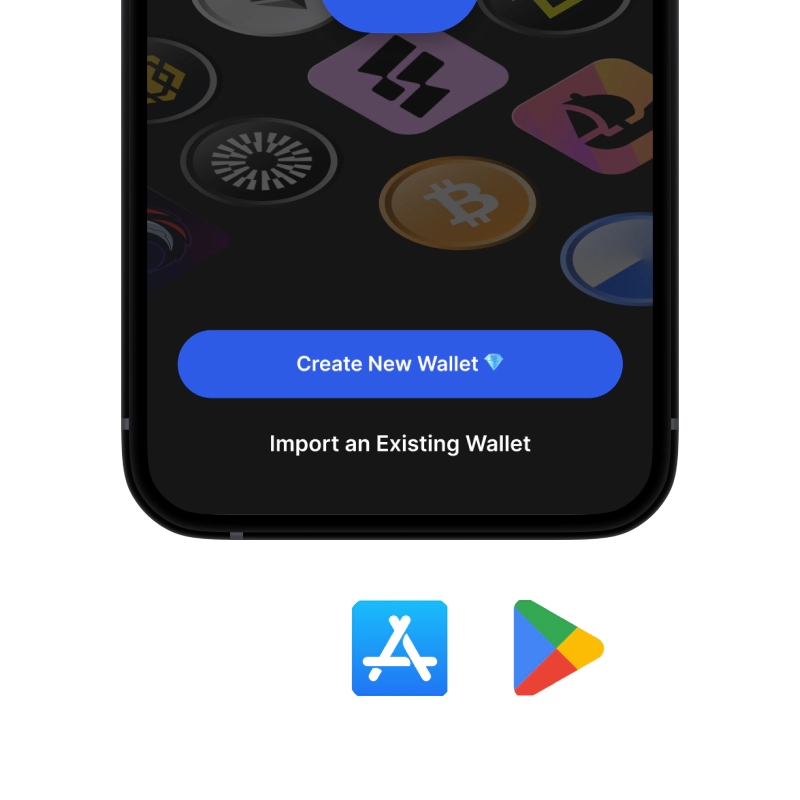
onboarding view

1. Download TRC20 Wallet

TRC20 Wallet: iOS, Android & APK

recovery phrase screen

2. Create TRC20 Wallet

Create a new wallet, save the secret phrase, and get your address in TRC20.

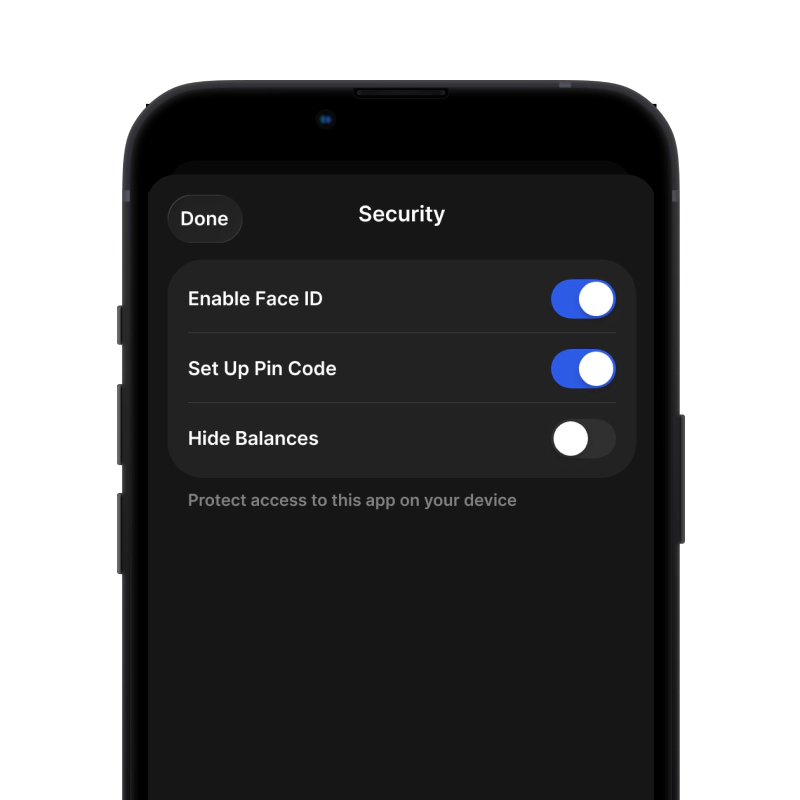
gem wallet security settings

3. Set Up Security for TRC20

Enable PIN or biometric authentication and you're ready to go

Gumawa ng TRC20 Wallet para sa iOS

Kunin ang iyong TRC20 wallet sa iPhone (2 minuto):

  1. Buksan ang App Store at hanapin ang "Gem Wallet"
  2. I-download at i-install ang app (libre ito at wala pang 50MB)
  3. Buksan ang Gem Wallet at i-tap ang "Gumawa ng Bagong Wallet"
  4. Isulat ang iyong sikretong parirala sa papel - ito ang iyong pangunahing backup
  5. Paganahin ang Face ID o magtakda ng PIN code para sa mabilis at ligtas na pag-access
  6. Tapos na!
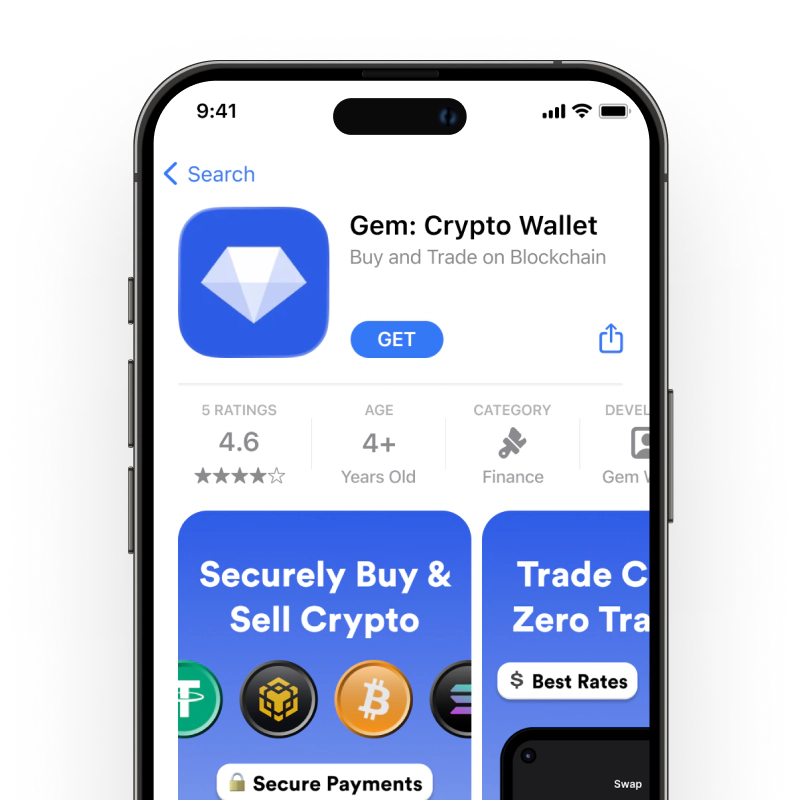
Download Gem Wallet for iOS
TRC20 pitaka para sa iOS

Gumawa ng TRC20 Wallet para sa Android

Kunin ang iyong TRC20 wallet sa Android (2 minuto):

  1. Sa pamamagitan ng Google PlayHanapin ang "Gem Wallet" sa Play Store at i-install
  2. APKI-download ang APK file para sa pinakamataas na privacy at kontrol
  3. Buksan ang app at piliin ang "Gumawa ng Bagong Wallet"
  4. Isulat sa papel ang iyong 12-salitang sikretong parirala
  5. I-set up ang fingerprint o PIN authentication
  6. Tapos na!
TRC20 pitaka para sa Android

Paano Kumuha ng Address na TRC20

Para makakuha ng TRC20 wallet address, kailangan mo munang gumawa o mag-import ng TRC20 wallet. Pagkatapos nito, awtomatikong bubuo ang app ng mga address para sa iyo.

1 Bukas Gem Wallet

Ilunsad ang app sa iyong telepono at piliin ang TRC20 (TRC20) mula sa iyong listahan ng mga asset.

2 Pindutin ang Button na "Tanggapin"

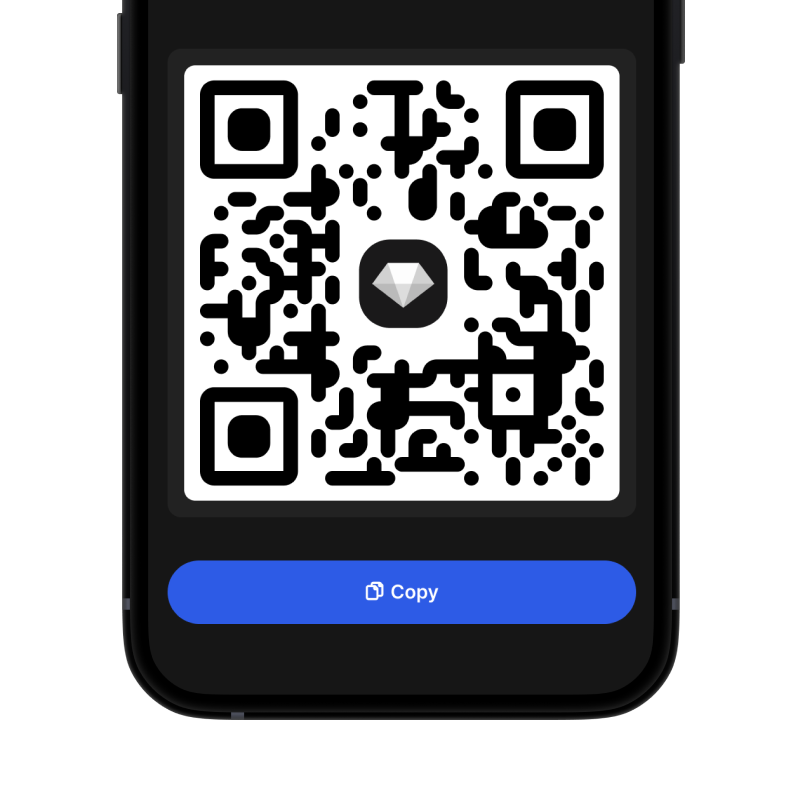
Makakakita ka ng malaking buton sa ibaba ng screen. Ang address ng iyong TRC20 wallet ay ipapakita bilang teksto at bilang QR code.

3 Kopyahin ang Iyong Address

Kopyahin ang address sa clipboard, ibahagi ang QR code, o ipadala ito nang direkta sa pamamagitan ng mga messaging app.

Get TRC20 wallet address in Gem Wallet
🔄 Walang Limitasyong Address

Sa Gem Wallet, maaari kang bumuo ng walang limitasyong TRC20 na mga address nang libre. Ang bawat address ay hango sa iyong secret phrase at mananatili sa ilalim ng iyong kontrol magpakailanman.

📱 Paggamit ng mga QR Code
  • Walang mga Mali sa Pag-type - Pinipigilan ng pag-scan ang mga pagkakamali sa pagkopya at pag-paste
  • Mas Mabilis na mga Transaksyon - Ipakita lang ang screen ng iyong telepono
  • Perpekto para sa personal mga pagbabayad sa TRC20

Frequently Asked Questions

It’s simple — download the TRC20 (TRON) wallet in the app, follow the quick setup steps to create a new wallet, back up your 12-word secret phrase offline, and your TRC20 wallet will be ready to use.
When you create a TRC20 wallet you automatically receive a TRC20 address. Open the TRON asset page in the app and tap Receive — your address and QR code will be shown for incoming transfers.
Open the wallet and go to Swap → choose the TRC20 token you want to exchange (for example USDT) and the token you want to receive, review the quoted price, estimated fees and slippage, then confirm. The app uses liquidity aggregation and integrated providers to find the best route.
First, make sure you have enough TRX to cover network fees. Then open the TRC20 token page, tap Send, enter or paste the recipient’s TRC20 address (or scan the QR), specify the amount, review fees, and confirm the transaction.
Open the TRON (TRC20) asset page in the wallet and tap Receive. You’ll see your TRC20 address and a QR code — copy or share this address with the sender or use it for exchange withdrawals.