
Lightning Network Coin

Lightning Network Billetera

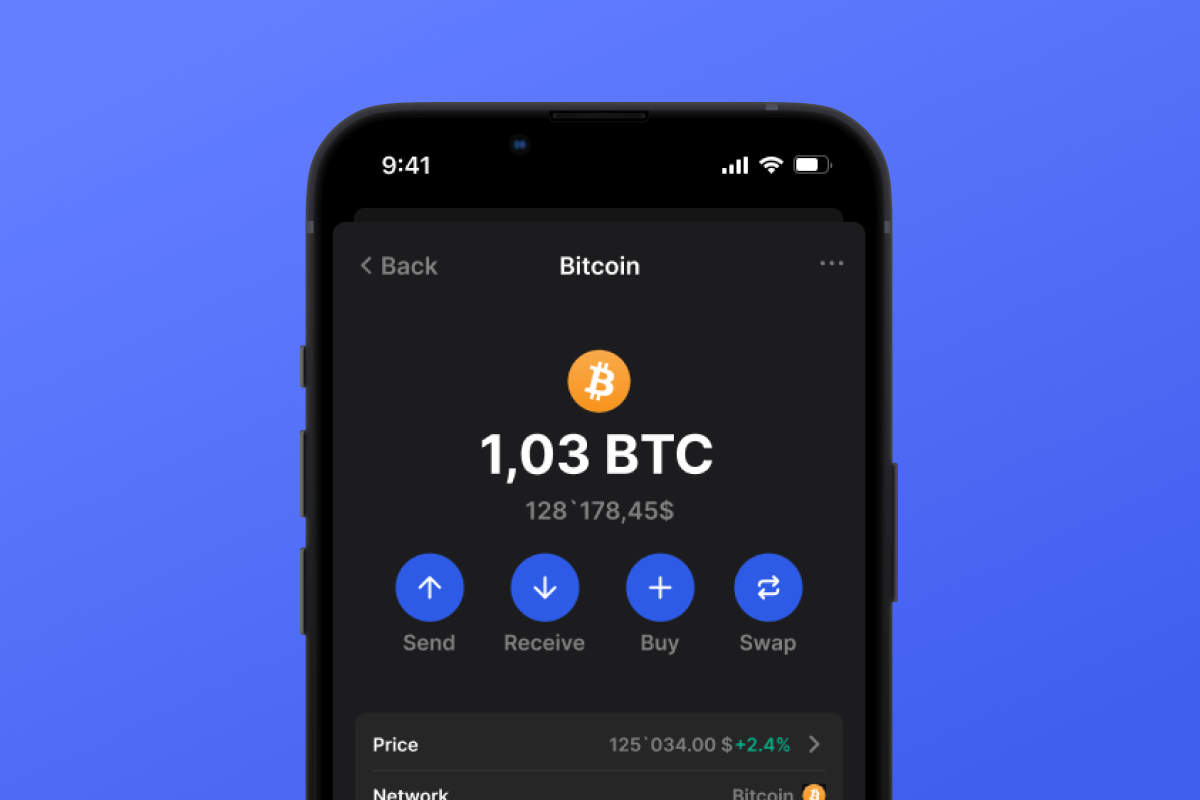
The Lightning Network Wallet is your key to the L2 network based on the Bitcoin blockchain, which will make your micropayments instant and with low network fees. Download the wallet and try the Lightning Network - a truly lightning-fast solution!

Lightning Network Billetera

What Is Lightning Network?

The Lightning Network (LN) is an addition to Bitcoin that allows for fast transactions with minimal fees. It works by allowing users to open special payment channels through which they can instantly transfer money to each other without the delays and complexities associated with the main Bitcoin network. This system is particularly useful for small payments, such as buying a cup of tea or coffee in a cafe.

What Is Lightning Network Wallet?

A Lightning Network Wallet is a special wallet that allows you to use the LN for payments and asset storage. Not every wallet that works with Bitcoin will also work with the LN. The Lightning Network is an L2 (layer 2) extension for the Bitcoin blockchain, therefore it requires additional support from the wallet developers.

Lightning Network Wallet Benefits

A LN Wallet offers several important features and aspects that will make your interaction with the network both comfortable and secure:

  1. Open Source: The LN Wallet is open source, supporting transparency and openness for its users.

  2. Self-Custody: Your Bitcoins and other crypto assets are accessible only to you. No one else has access to your private key.

  3. Privacy and Security: The Lightning Network Wallet adheres to high standards of security and privacy.

  4. Universality: Your wallet is available on both Android and iOS, providing easy access to your assets regardless of your mobile device choice.

  5. Convenience: A simple and intuitive interface ensures easy and productive management of your assets.

  6. Micropayments: The LN helps avoid the high fees associated with Bitcoin blockchain for small payments.

Download the Gem Wallet and experience all the benefits of the LN today!

¿Por qué Lightning Network Wallet Gem es la mejor opción?

Gem Wallet se destaca como una solución líder de billetera Lightning Network, que combina seguridad, privacidad y usabilidad en una potente aplicación. Estas son las razones por las que los usuarios eligen Gem Wallet para sus necesidades de Lightning Network:

Control total

Control total de tus claves privadas y frase semilla. Ningún tercero puede acceder ni restringir tu Lightning Network. Tu Lightning Network es totalmente tuyo.

Protección de la privacidad

Sin seguimiento, sin información personal, sin recopilación de datos. Privacidad y control total sobre tus Lightning Network.

Código abierto

Código disponible públicamente en GitHub, permitiendo a cualquier persona verificar la seguridad y la funcionalidad.

Multiplataforma

Disponible en iOS, Android y APK. Tu billetera Lightning Network funciona dondequiera que vayas.

Monedero Lightning Network en varios idiomas

Disponible en más de 25 idiomas, incluyendo inglés, español, chino, ruso y árabe. Totalmente localizado para accesibilidad global.

Servicios integrados de Lightning Network

Compre Lightning Network con más de 30 métodos de pago. Intercambio Lightning Network A través del agregador DEX integrado, gestione todos sus criptoactivos en un solo lugar seguro.

Comparación: Monedero Gem vs. Monederos de Exchange

Vea cómo almacenar Lightning Network en Gem Wallet se diferencia de mantenerlo en exchanges

CaracterísticaGem WalletMonederos de intercambio (Binance, Coinbase)
Se requiere registro✅ Ninguno❌ KYC completo
Recopilación de datos personales✅ Ninguno❌ Extenso (ID, dirección, selfie)
Código abierto✅ Totalmente transparente❌ Código cerrado
Control de claves privadas✅ Sí❌ No
Congelación de cuentas✅ Imposible❌ Posible
Tiempo de configuración✅ 2 minutos⚠️ 1-7 días (verificación KYC)

Funciones de seguridad profesionales

  1. Autenticación biométrica:Utilice Face ID, Touch ID o huella digital para proteger su billetera
  2. Protección con PIN:Establezca un código PIN seguro como capa de seguridad adicional
  3. Copias de seguridad cifradas:Su frase inicial se almacena de forma segura y nunca sale de su dispositivo.
  4. Auditorías de seguridad periódicasLas revisiones de seguridad independientes garantizan la integridad de la billetera. Obtenga más información sobre seguridad →
Gem Wallet private key security and self-custody crypto wallet features

Lo que dicen los usuarios sobre la billetera Gem Lightning Network

Cómo configurar una billetera Lightning Network en 2 minutos

Guía de configuración rápida (3 pasos)

Crear una billetera Lightning Network es más sencillo que abrir una cuenta bancaria. Gem Wallet te guía por todo el proceso en minutos, haciéndolo accesible incluso para principiantes.

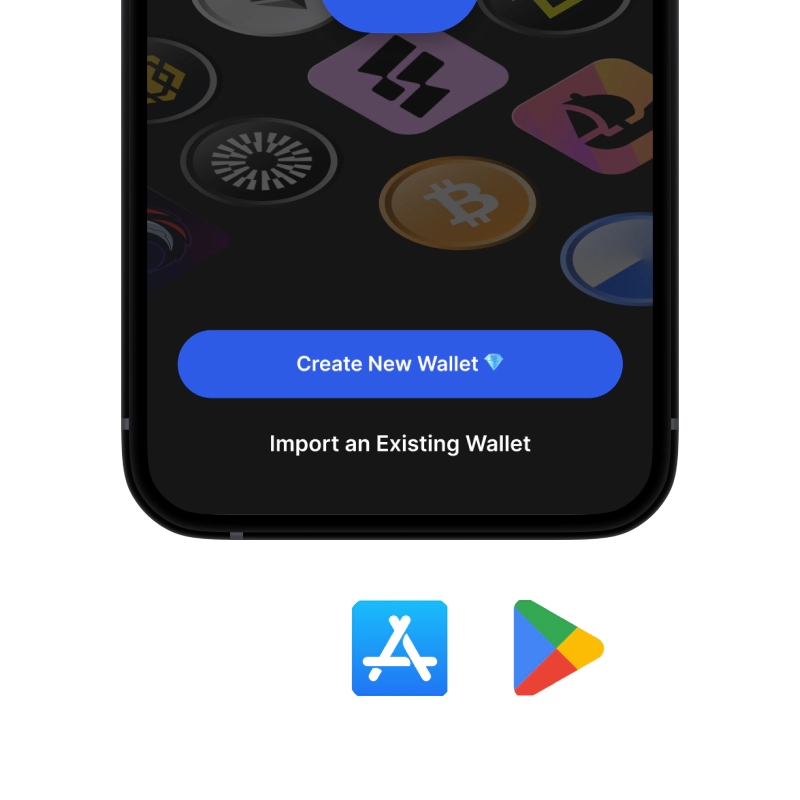
onboarding view

1. Obtener Lightning Network Billetera

Lightning Network &

recovery phrase screen

2. Crear Lightning Network Billetera

Crea una nueva billetera, guarda la frase secreta y obtén tu dirección Lightning Network.

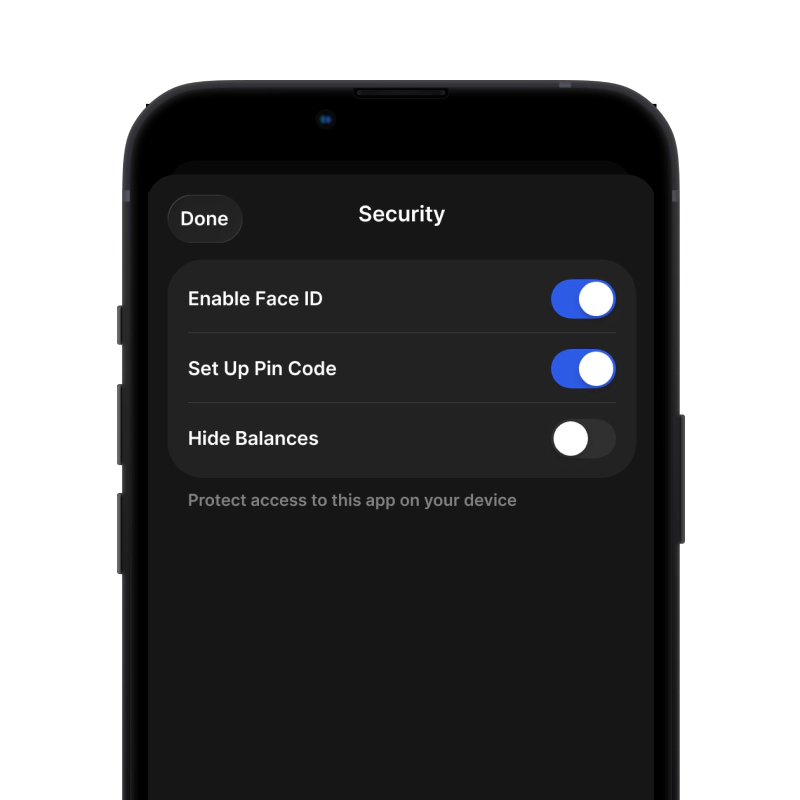
gem wallet security settings

3. Set Up Security for Lightning Network

Enable PIN or biometric authentication and you're ready to go

Crear una billetera Lightning Network para iOS

Obtén tu billetera Lightning Network en iPhone (2 min):

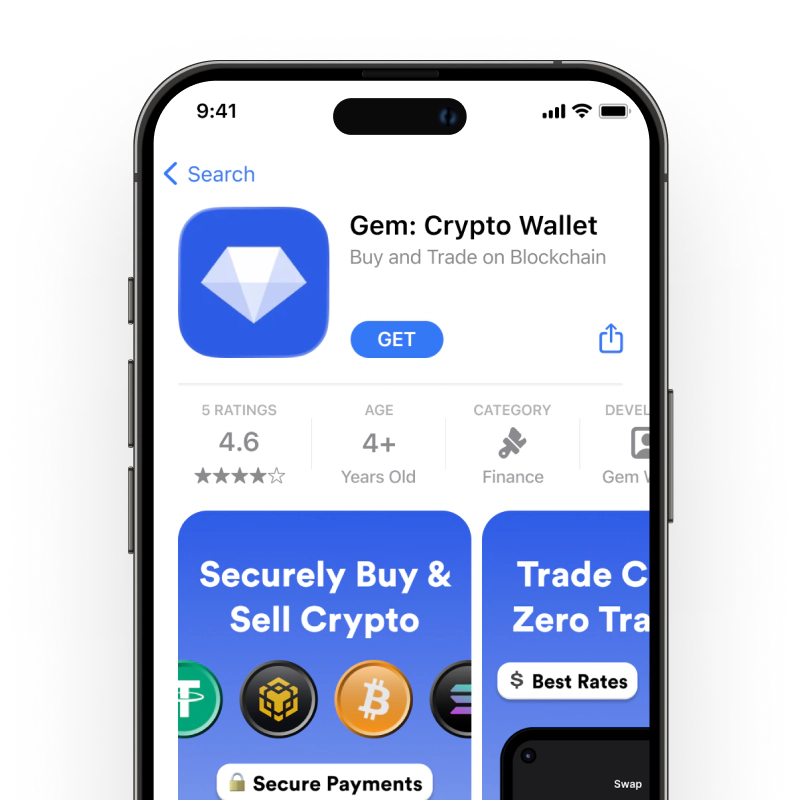
  1. Abre la App Store y busca "Gem Wallet".
  2. Descargue e instale la aplicación (es gratuita y pesa menos de 50 MB)
  3. Abre Gem Wallet y pulsa "Crear nueva billetera".
  4. Escribe tu frase secreta en un papel: esta es tu copia de seguridad maestra.
  5. Habilite Face ID o configure un código PIN para un acceso rápido y seguro
  6. ¡Hecho!
Descargar Cartera Gem para iOS
Monedero Lightning Network para iOS

Crear una billetera Lightning Network para Android

Obtén tu billetera Lightning Network en Android (2 min):

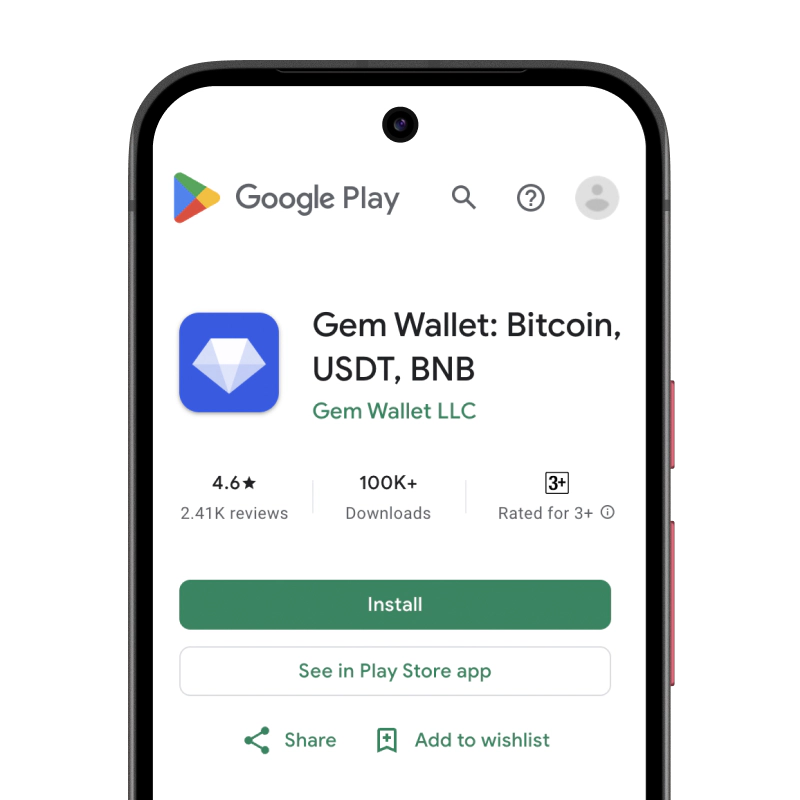
  1. A través de Google Play: Busque "Gem Wallet" en Play Store e instálelo
  2. APK:Descargue el archivo APK para obtener máxima privacidad y control
  3. Abra la aplicación y seleccione "Crear nueva billetera".
  4. Escribe tu frase secreta de 12 palabras en un papel.
  5. Configurar la autenticación mediante huella digital o PIN
  6. ¡Hecho!
Monedero Lightning Network para Android

Cómo obtener una dirección Lightning Network

Para obtener una dirección de billetera Lightning Network, primero debes crear o importar una billetera Lightning Network. Después, la aplicación generará direcciones automáticamente.

1 Abierto Cartera Gem

Inicie la aplicación en su teléfono y seleccione Lightning Network (Lightning Network) de su lista de activos.

2 Toque el botón "Recibir"

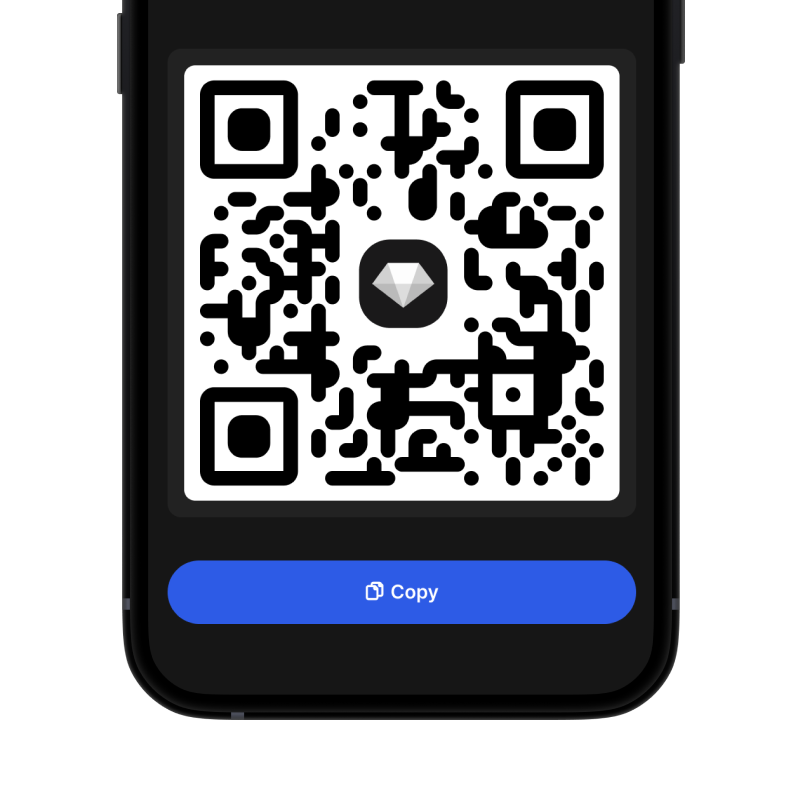
Verás un botón grande en la parte inferior de la pantalla. La dirección de tu billetera Lightning Network se mostrará como texto y como código QR.

3 Copia tu dirección

Copia la dirección al portapapeles, comparte el código QR o envíalo directamente a través de aplicaciones de mensajería.

Get Lightning Network wallet address in Gem Wallet
🔄 Direcciones ilimitadas

En Gem Wallet, puedes generar direcciones Lightning Network ilimitadas gratis. Cada dirección se deriva de tu frase semilla y permanece bajo tu control para siempre.

📱 Uso de códigos QR
  • Sin errores tipográficos - El escaneo evita errores de copiar y pegar
  • Transacciones más rápidas - Simplemente muestra la pantalla de tu teléfono
  • Perfecto para presencial Pagos Lightning Network