

Dogecoin (DOGE) Coin

Dogecoin (DOGE) Wallet

Delve deep into Dogecoin's captivating journey from meme-inspired beginnings to its current prominence in the crypto world. Understand the unique features and benefits of our dogecoin wallet app. Seamless transactions, top-notch security, and more await. Download now for an unparalleled crypto experience.

Dogecoin (DOGE) Wallet

What Is Dogecoin?

Dogecoin (DOGE) started as a playful twist on traditional cryptocurrencies, represented by the iconic Shiba Inu meme. Founded in 2013 by Billy Markus and Jackson Palmer, its initial aim was to reach a broader audience beyond Bitcoin enthusiasts. While originally seen as a 'joke coin,' its community-driven efforts and recent backing from influential figures, such as Elon Musk, have propelled it into the limelight as one of the top digital currencies.

Why Do You Need a Dogecoin Wallet?

To understand why a Dogecoin wallet is necessary, consider Dogecoin's unique community-driven aspect. Its enthusiastic members, known for their "To the Moon!" rallying cry, are deeply invested in the coin's success and actively promote it. A striking instance of this was in 2014, when they raised $55,000 to sponsor NASCAR driver Josh Wise, leading him to showcase Dogecoin on his race car. Holding a Dogecoin wallet allows you to be part of this vibrant community and engage in similar collective initiatives.

DOGE Wallet Benefits

With our Dogecoin Wallet, you're not just adopting a storage solution; you're stepping into a transparent and community-driven crypto environment. Here are the benefits you'll enjoy:

  • Open Source Advantage: Being an open-source platform, our wallet guarantees utmost transparency. Dive into the codebase, contribute, or simply explore. With the community's eyes on it, the Dogecoin Wallet assures enhanced security and continuous improvements.

  • Superior Security: Rely on top-tier encryption techniques, ensuring your assets remain protected against potential threats.

  • User-Friendly Interface: Easy navigation means efficient transactions, making it accessible for both novices and seasoned crypto enthusiasts.

  • Instant Transactions: Experience the speed of lightning with our trades, deposits, and withdrawals.

  • Versatility: Designed to work flawlessly on both Android and iOS, proudly standing as the best Dogecoin Wallet for Android and iPhone aficionados.

  • Zero Fees: Embrace a free Dogecoin Wallet experience without any hidden costs.

  • Multi-Coin Support: Beyond Dogecoin, manage an array of other cryptocurrencies effortlessly.

  • Real-Time Updates: Stay a step ahead with our live price charts, ensuring informed decisions at all times.

  • Buy DOGE with a Credit Card: Purchase DOGE tokens directly in the wallet using your credit card. Visit our Buy Dogecoin page for more details.

Join us and take part in a crypto journey that's transparent, secure, and shaped by a community of enthusiasts, all with the best wallet for Dogecoin.

Why Gem Dogecoin (DOGE) Wallet App Is the Best Choice?

Gem Wallet stands out as a leading Dogecoin (DOGE) wallet solution, combining security, privacy, and usability in one powerful app. Here's why users choose Gem Wallet for their Dogecoin (DOGE) needs:

Control and Self-Custody

Full control of your private keys and secret phrase. No third party can access or restrict your Dogecoin (DOGE). Your Dogecoin (DOGE) is truly yours.

Privacy Protection

No tracking, no personal information, no data collection. Complete privacy and control over your Dogecoin (DOGE).

Open-Source

Publicly available code on GitHub, allowing anyone to verify security and functionality.

Multi-Platform

Available on iOS, Android, and APK. Your Dogecoin (DOGE) wallet works wherever you go.

Dogecoin (DOGE) Wallet in Multiple Languages

Supporting 25+ languages including English, Spanish, Chinese, Russian, and Arabic. Fully localized for worldwide accessibility.

Built-In Dogecoin (DOGE) Services

Buy Dogecoin (DOGE) with 30+ payment methods. Swap DOGE through integrated DEX aggregator. Manage all crypto assets in one secure place.

Comparison: Gem Wallet vs Exchange Wallets

See how storing Dogecoin (DOGE) in Gem Wallet differs from keeping it on exchanges

FeatureGem WalletExchange Wallets (Binance, Coinbase)
Registration Required✅ None❌ Full KYC
Personal Data Collection✅ None❌ Extensive (ID, address, selfie)
Open-Source✅ Fully transparent❌ Closed source
Private Keys Control✅ Yes❌ No
Account Freezing✅ Impossible❌ Possible
Setup Time✅ 2 minutes⚠️ 1-7 days (KYC verification)

Professional Security Features

  1. Biometric Authentication: Use Face ID, Touch ID, or fingerprint to secure your wallet
  2. PIN Protection: Set a strong PIN code as an additional security layer
  3. Encrypted Backups: Your secret phrase is stored securely and never leaves your device
  4. Regular Security Audits: Independent security reviews ensure wallet integrity. Learn more about security →
Gem Wallet private key security and self-custody crypto wallet features

What Users Say About Gem Dogecoin (DOGE) Wallet

How to Set Up a Dogecoin (DOGE) Wallet in 2 Minutes

Quick Setup Guide (3 Steps)

Creating a Dogecoin (DOGE) wallet is simpler than opening a bank account. Gem Wallet guides you through the entire process in minutes, making it accessible for complete beginners.

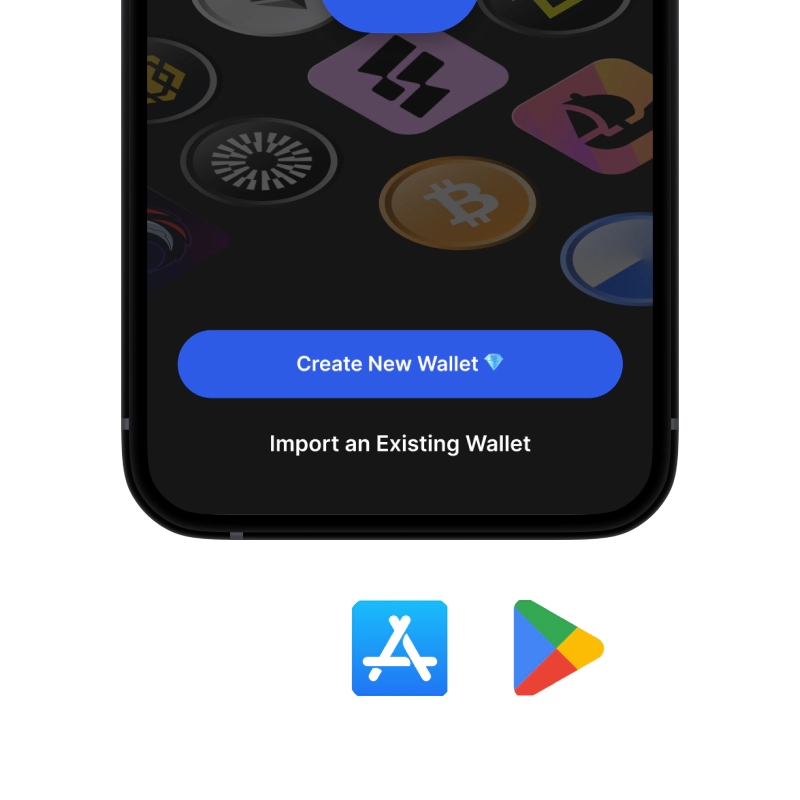
onboarding view

1. Download Dogecoin (DOGE) Wallet

Dogecoin (DOGE) Wallet: iOS, Android & APK

recovery phrase screen

2. Create Dogecoin (DOGE) Wallet

Create a new wallet, save the secret phrase, and get your address in Dogecoin (DOGE).

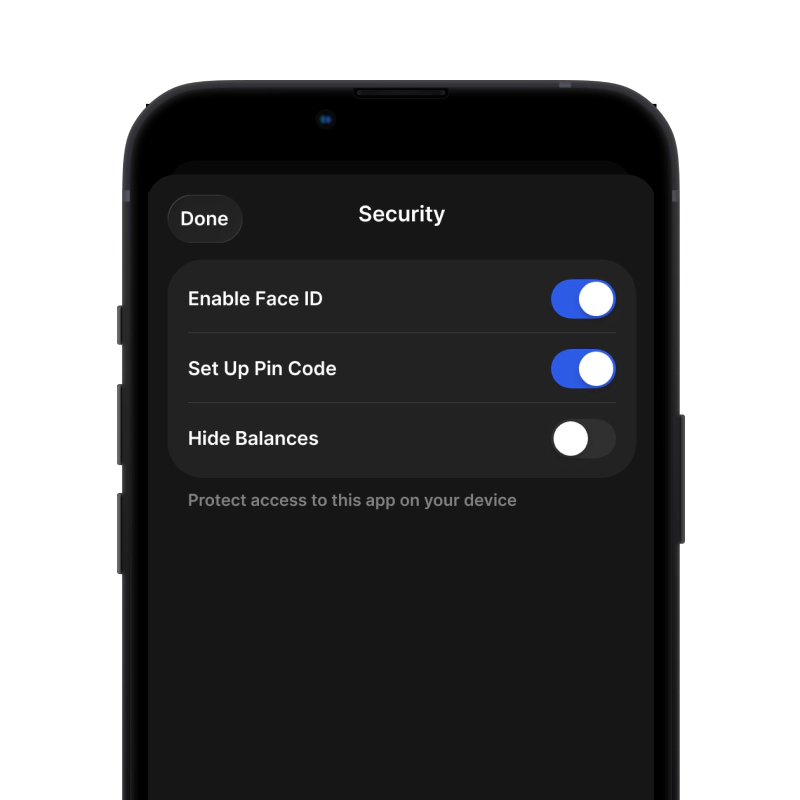
gem wallet security settings

3. Set Up Security for DOGE

Enable PIN or biometric authentication and you're ready to go

Create Dogecoin (DOGE) Wallet for iOS

Get your DOGE wallet on iPhone (2 min):

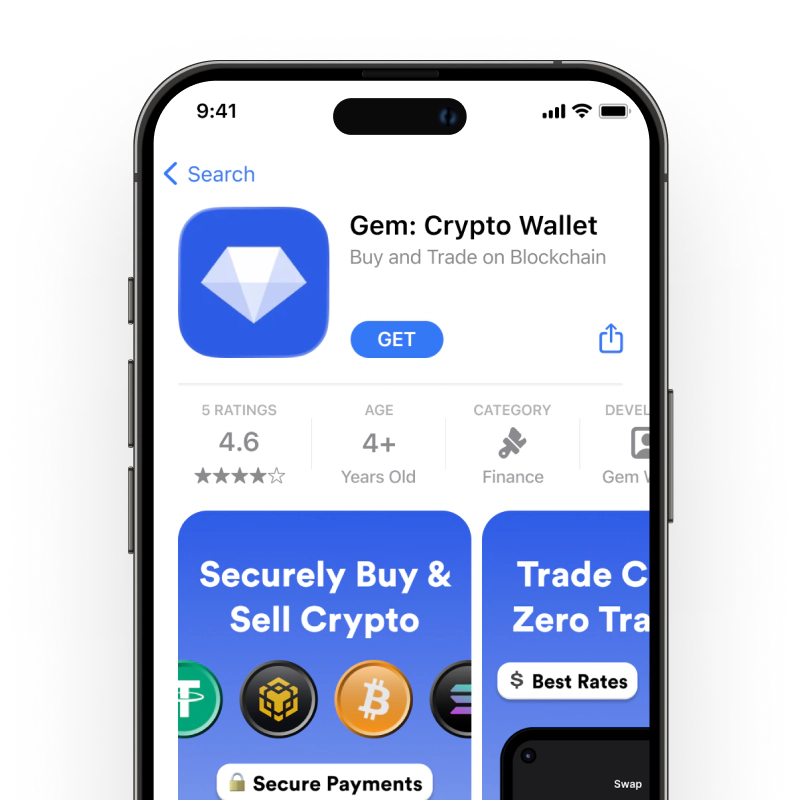
  1. Open the App Store and search for "Gem Wallet"
  2. Download and install the app (it's free and under 50MB)
  3. Open Gem Wallet and tap "Create New Wallet"
  4. Write down your secret phrase on paper - this is your master backup
  5. Enable Face ID or set a PIN code for quick and secure access
  6. Done!
Download Gem Wallet for iOS
Dogecoin (DOGE) wallet for iOS

Create Dogecoin (DOGE) Wallet for Android

Get your DOGE wallet on Android (2 min):

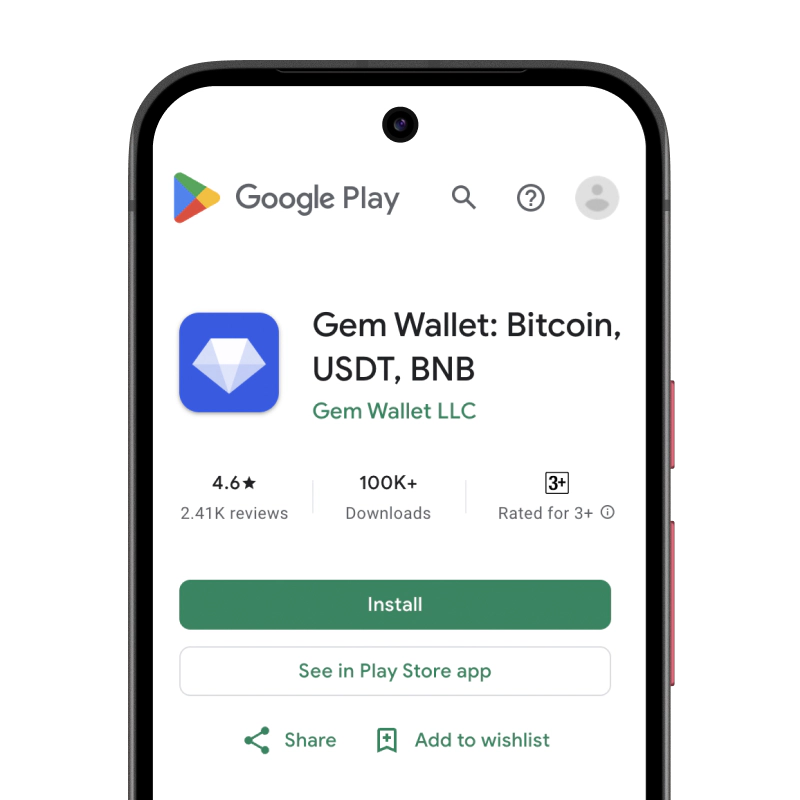
  1. Via Google Play: Search for "Gem Wallet" in the Play Store and install
  2. APK: Download the APK file for maximum privacy and control
  3. Open the app and select "Create New Wallet"
  4. Write down your 12-word secret phrase on paper
  5. Set up fingerprint or PIN authentication
  6. Done!
Dogecoin (DOGE) wallet for Android

How to Get a Dogecoin (DOGE) Address

To get a Dogecoin (DOGE) wallet address, you first need to create or import a Dogecoin (DOGE) wallet. After that, the app will generate addresses for you automatically.

1 Open Gem Wallet

Launch the app on your phone and select Dogecoin (DOGE) (DOGE) from your asset list.

2 Tap "Receive" Button

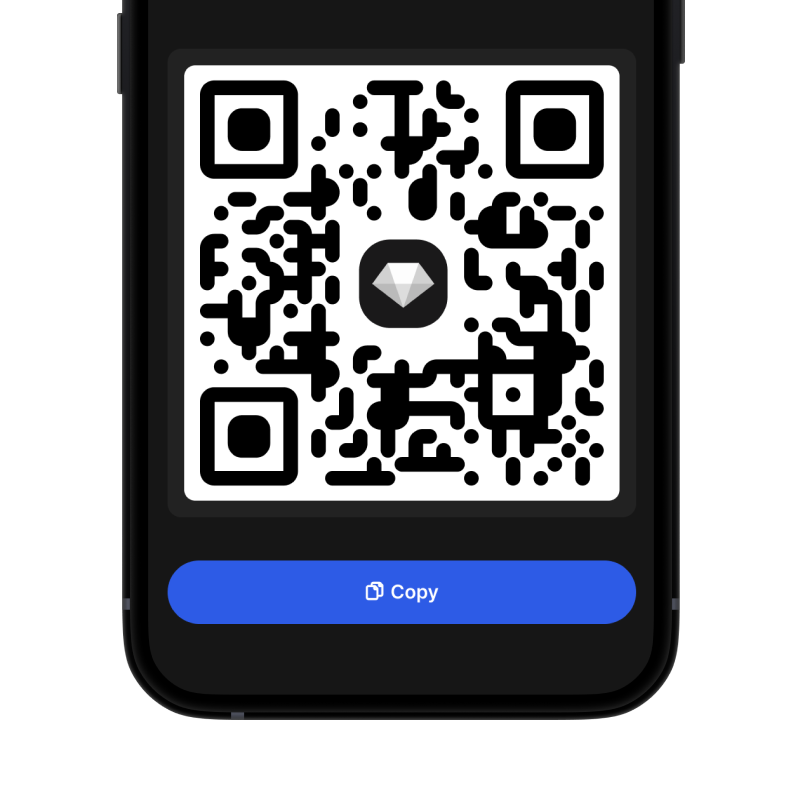
You'll see a large button at the bottom of the screen. Your Dogecoin (DOGE) wallet address will be displayed both as text and as a QR code.

3 Copy Your Address

Copy the address to clipboard, share the QR code, or send it directly through messaging apps.

Get Dogecoin (DOGE) wallet address in Gem Wallet
🔄 Unlimited Addresses

In Gem Wallet, you can generate unlimited Dogecoin (DOGE) addresses for free. Each address is derived from your secret phrase and remains under your control forever.

📱 Using QR Codes
  • No Typing Errors - Scanning prevents copy-paste mistakes
  • Faster Transactions - Just show your phone screen
  • Perfect for in-person Dogecoin (DOGE) payments